C1924F Instruction Book
3
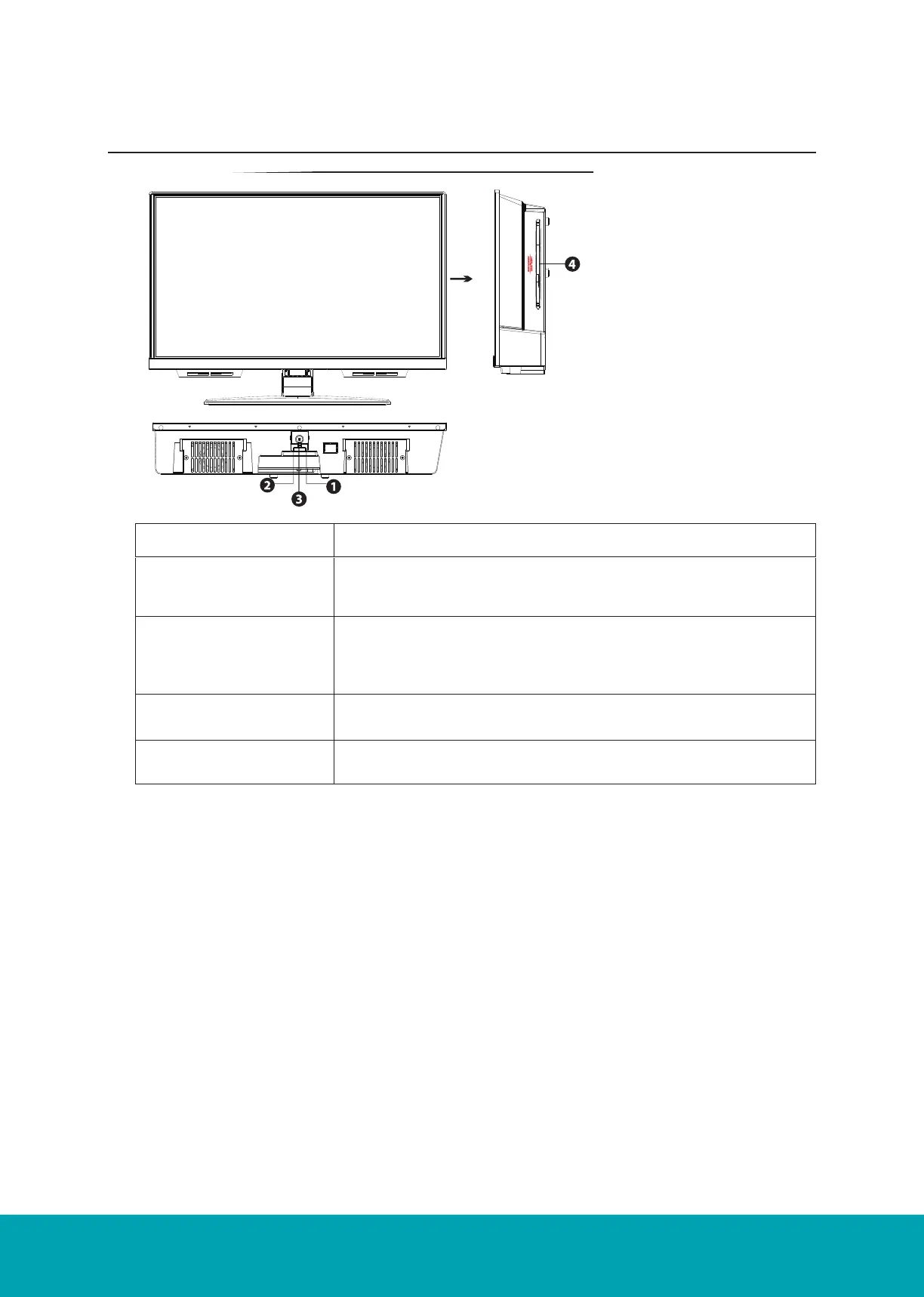
Front / Right Side View and Controls
Insert disc according
to the label next to
the disc slot
Item Description
1. IR (Infrared Receiver) Receives IR signals from the remote control.
Do not put anything near the sensor, as its function may be affect-
ed.
2. POWER LED Illuminates green when the TV is turned on. Illuminates red when
the TV is in standby mode. The LED will alternate between red and
green when the PVR timer programming has started in the standby
mode.
3. STANDBY Switches the TV on from standby mode.
Switches the TV back to standby mode.
4. DVD Insert the DVD disc.



 To Next Page