3
Preface:
Thank you for choosing our 55” Android 7 Smart 4K TV.
This TV has many features and incorporates the latest technology to enhance your viewing experience. We
recommend that you spend some time reading this instruction manual in order that you fully understand these
features. Read all of the safety instructions carefully before use and keep this instruction manual for future
reference.
Whats in the box:
• TV
• Stand & Stand fixing Screws ((M4 x 12) x 4)
• Power cable
• Remote control
• Batteries (2 x AAA)
• Quick start guide
• Warranty card
Fixing and the TV stand feet
Place the TV face down on a soft and flat surface (blanket, foam, cloth, etc.) to prevent any damage to the TV.
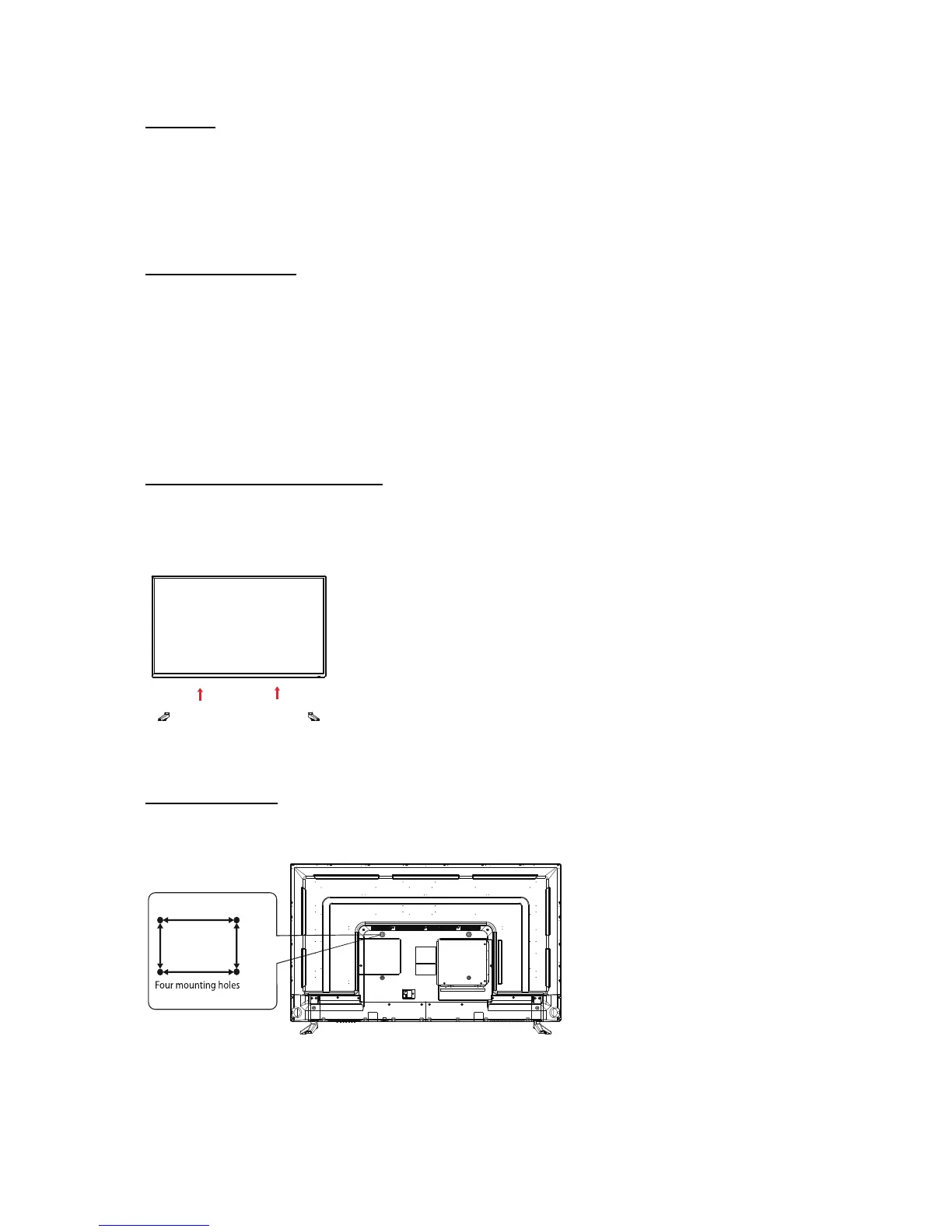
1. Attach the stand feet in the positions shown below and secure them with supplied screws ((M4 x 12) x 4)
Wall mounting: This TV is VESA-Compliant and has been designed to be wall mounted with a VESA-
Compliant wall mounting kit. (Wall mounting kit and screws not included)
600mm
400mm
Screw size M8 x 20
400mm
200mm
Screw size M6 x 10



 To Next Page