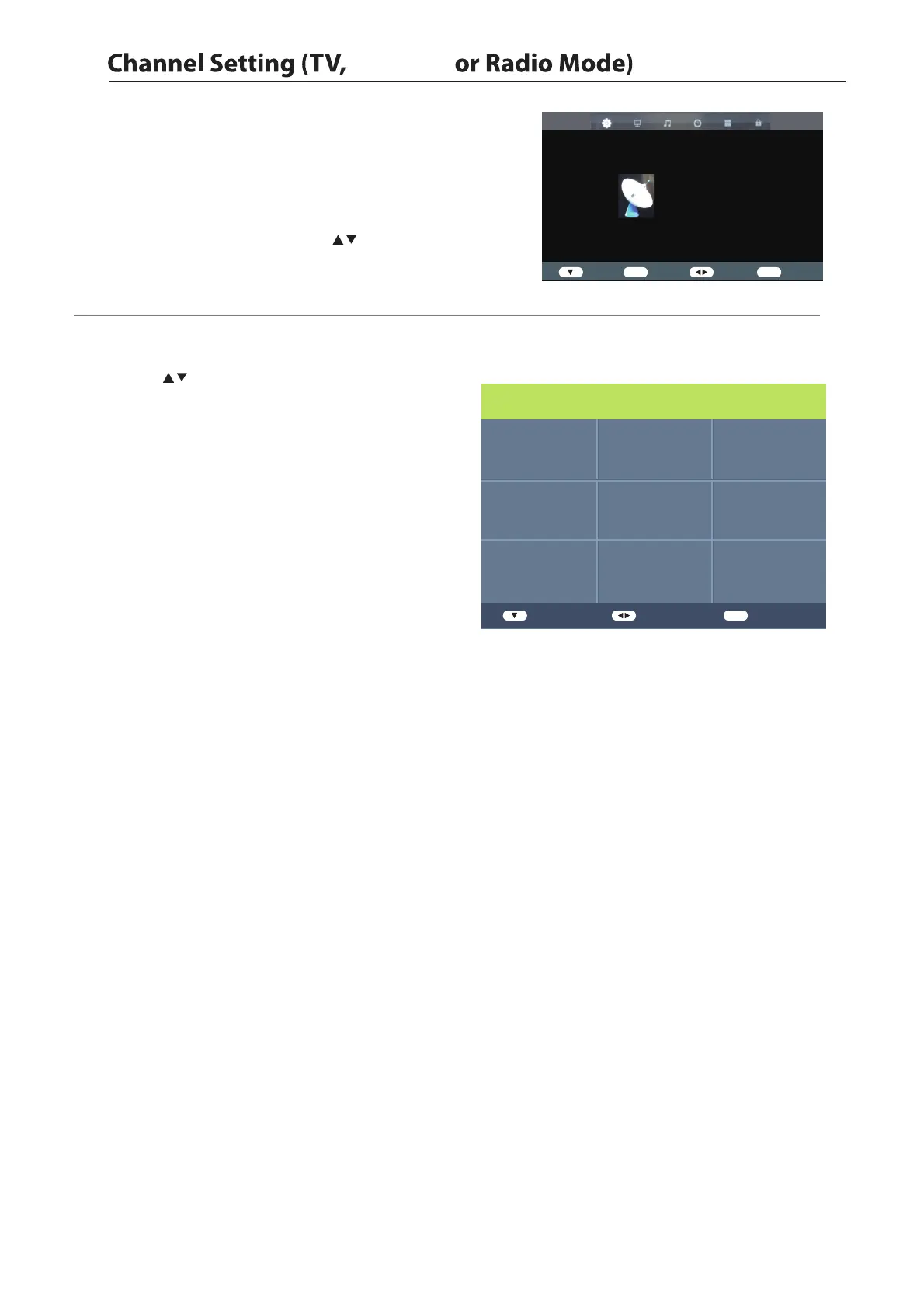
1. Press the Menu button and then press the buttons to select the
CHANNEL menu.
2. Press the
and then p
buttons
and then press the to select
the following channel options ress the button.
Allows you to set up a variety of channel options.
10
▲
▼
Auto Tuning
1.Press the buttons to Auto Tuning then press the
ENTER button to confirm.
2.In the Auto Tuing menu there are 2 options for you to
selet from:Tune Type and Country.
3.Press the Menu button to return back to the main menu.
4.Press the Exit button to exit the menu.
CHANNEL
Auto Tuning
DVB-T Manual Tuing
ATV Manual Tuing
Programme Edit
Signal Information
CI Information
LCN On
Software Update(USB)
Enter
ENTER
Enter Select
Exit
Exit
Antenna
ENTER
ENTER
Germany
Greece
Hungary Luxembourg Poland
Ireland Norway
Italy Netherlands
Tune Type ATV
Enter Adjust
MENU
Return


 To Next Page