13
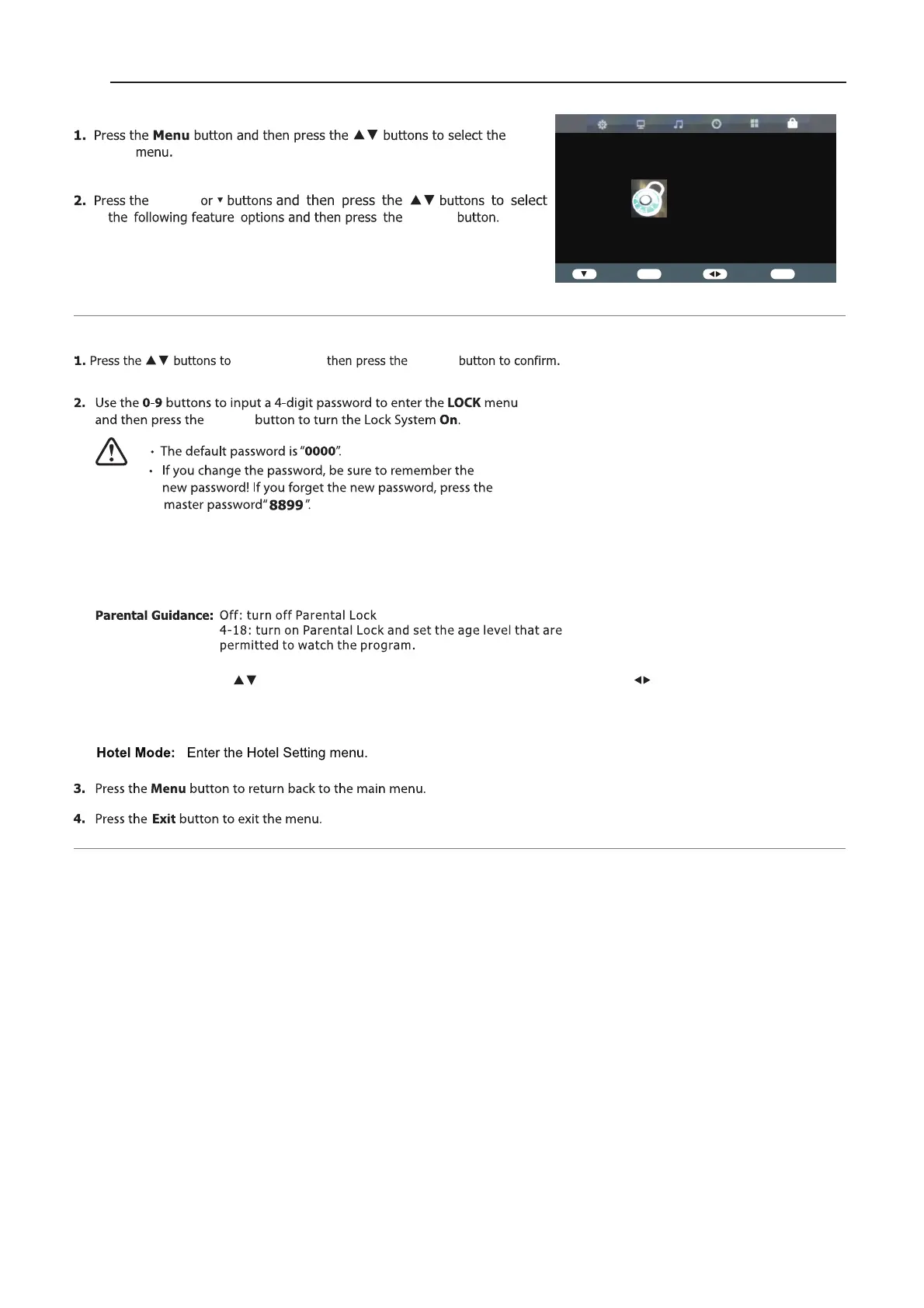
Lock Setting
Lock
Lock System
Lock System
Set Password: If you had already changed the password,enter the current password.
Block Program: This feature is available only for digital TV and the tuned-in channel must support it.
Key Lock:Press the buttons to select the “Key Lock” option and then press to choose
between the options ON or OFF.After selecting ON,the front panel buttons TV/AV/
Menu/CH+/CH-/VOL+/VOL- of the device will be locked.
LOCK
Lock System Off
Set Password
Block Program
Parental Guidance Off
Key Lock Off
Hotel Mode
Enter
ENTER
Enter Select
Exit
Exit
ENTER
ENTER
ENTER
ENTER


 To Next Page