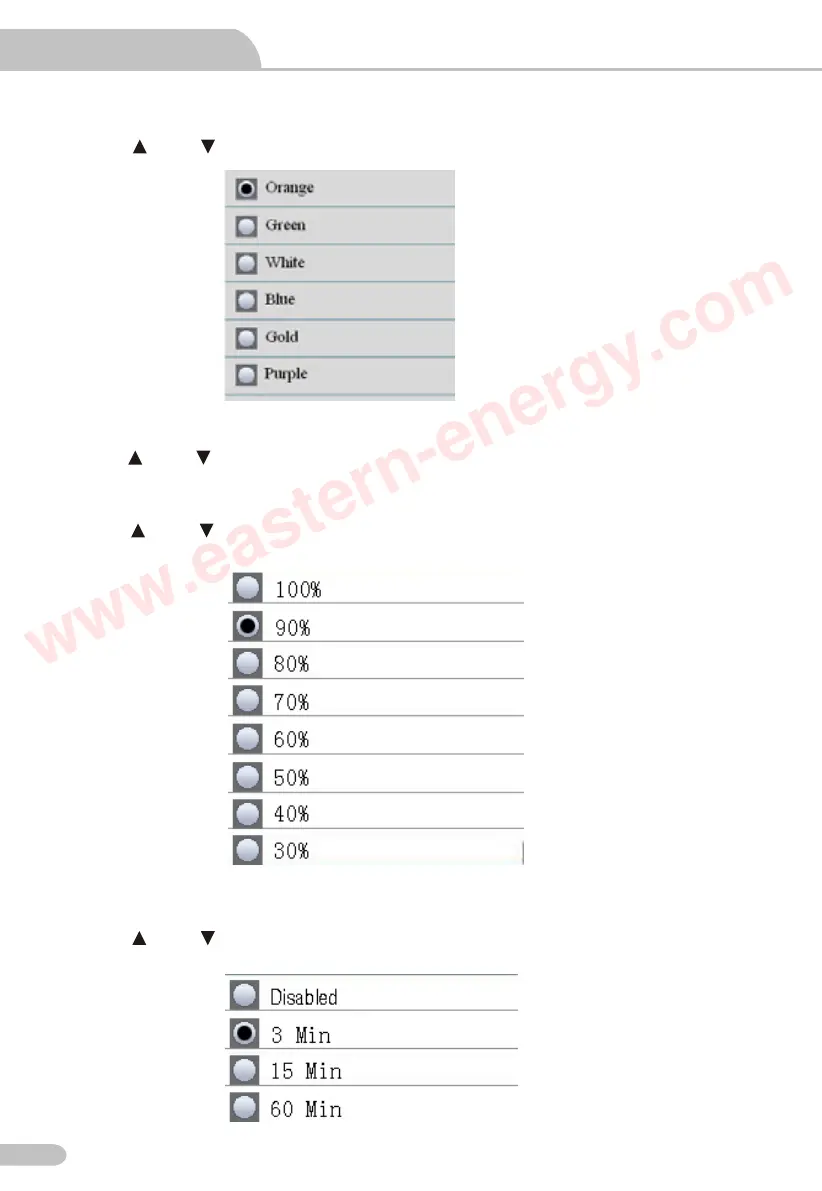
11.2 Font Colour
Press the and button to select the color, press the ESC button to esc and save.
11.3 Language
Press the and button to select language, press the ESC button to esc and save.
11.4 Brightness
Press the and button to select the backlight brightness, press the ESC button to esc and
save.
11.5 Auto Power off
Press the and button to select the auto power off time or never auto power off, press the
ESC button to esc and save.
Video Borescope User Manual
Particle Counter User Manual
18
www.eastern-energy.com



 To Next Page
 Loading...








