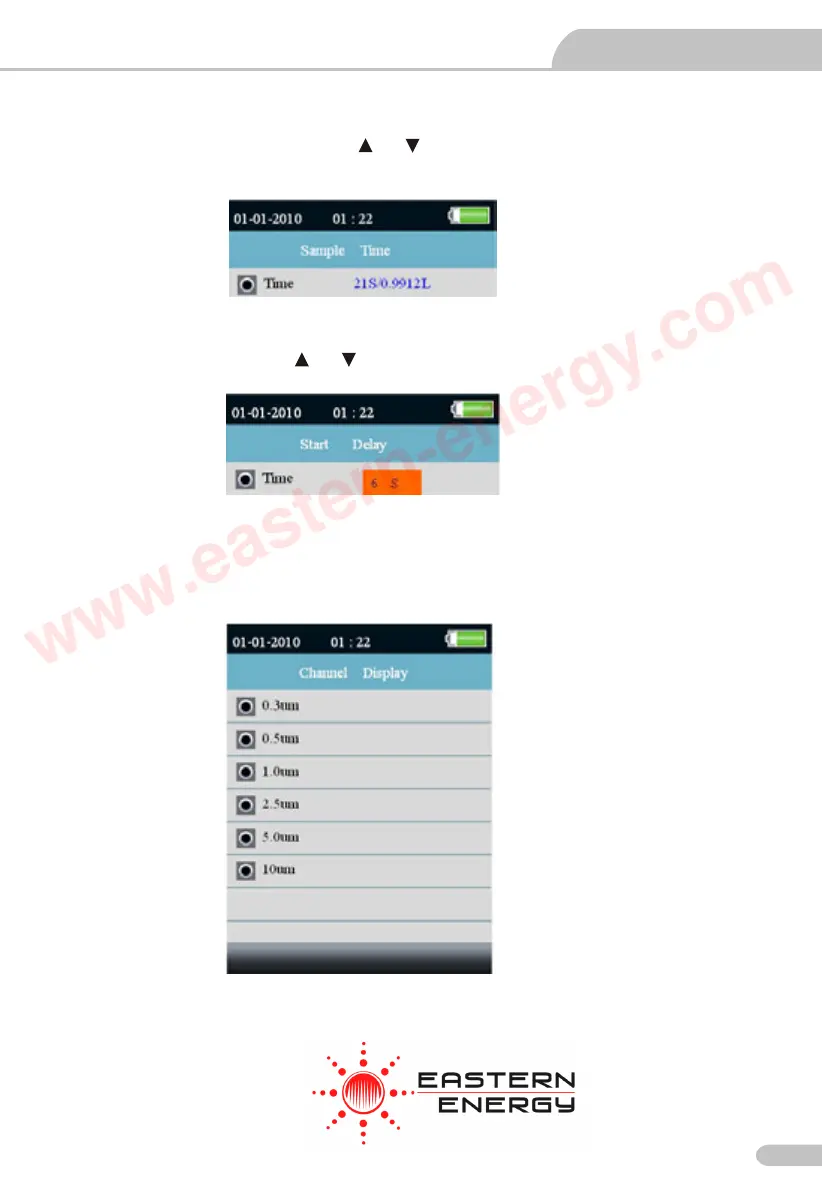
Sample time
You can adjust the sample time use the or button to control the volume of measured gas.
It can be set to 60s/2.83L.
Start Delay
You can adjust the time use the or button to control start time.The delay time of up to 100
seconds.
Channel Display
This setting to select the channel is being displayed.Use the or button to select channel and use
ENTER button to confirm.
Video Borescope User Manual
Particle Counter User Manual
9
Eastern Energy Co., Ltd.
40/4 Vitoondumri Rd., Banbueng
Banbueng, Chonburi, Thailand
Tel: 66-3844-611
sale@ete.co.th
www.eastern-energy.com
www.eastern-energy.com



 To Next Page