SORTING
after push CAL key again.
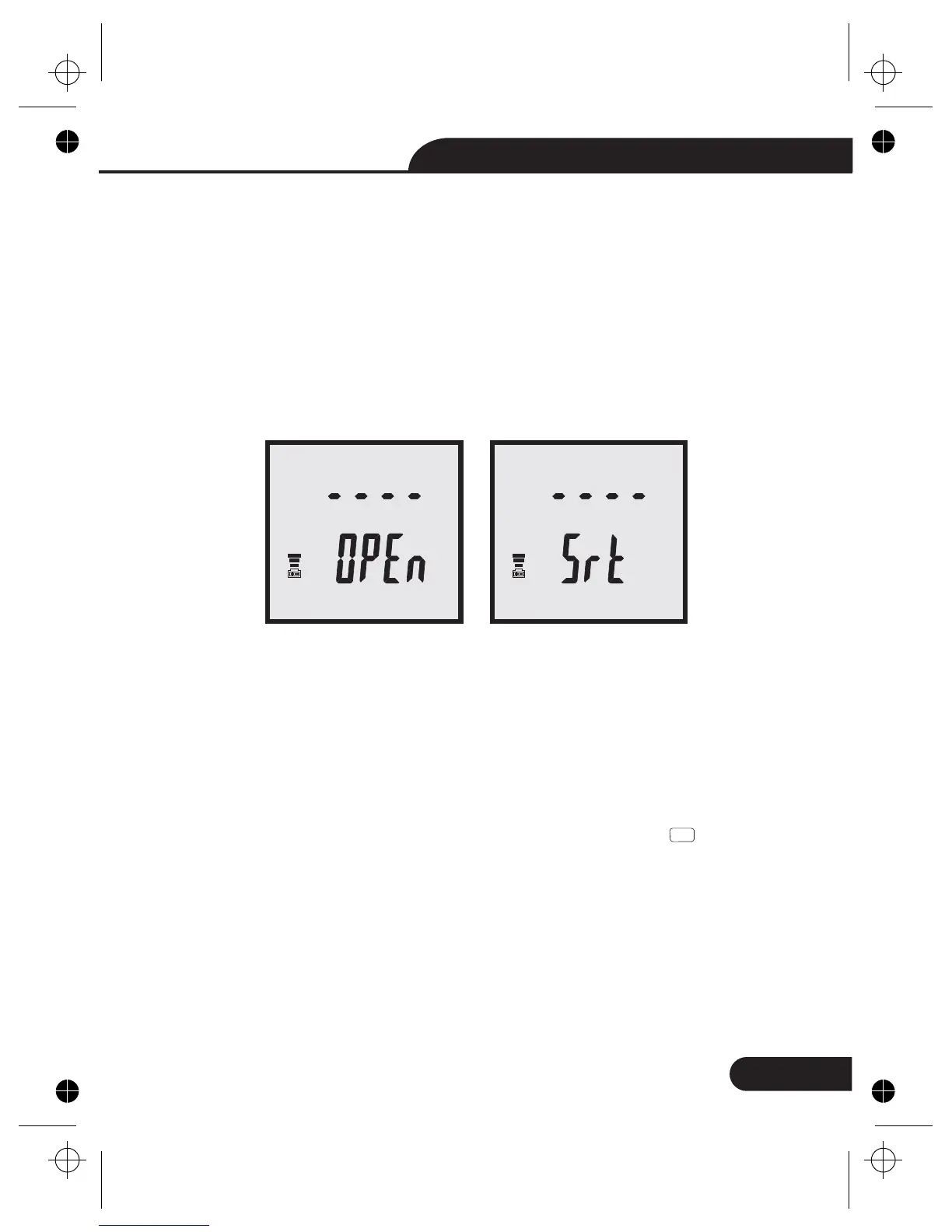
ready means the input sockets or terminals have
nothing connected
ready means put a shorting bar or a short piece of
conductive metal (i.e. paper clip) across the "+" and "-"
input sockets or terminals.
OPEN
SHORT
The sorting mode could help the user to make a quick sort for
a bunch of components.Select the primary measurement mode
(L/C/R) based on the type of components to be measured.Insert
the component to be used as the "standard" reference value.
Another words, insert a known "good" component that will be
used for testing against all other components. Press button to
enter to the sorting mode.The sorting mode cannot be activated
unless the meter senses a component is connected to either the
input sockets or terminals.When sorting mode is activated,the
reference value,range and the tolerance settings can be modified.
Figure 3-Open Calibration (left) and Short Calibration (right)
• Sorting mode
13
Dual Display LCR Meter Instruction Manual
CalCal



 To Next Page
 Loading...








