Thermo Recorder
12
6.2 Introduction
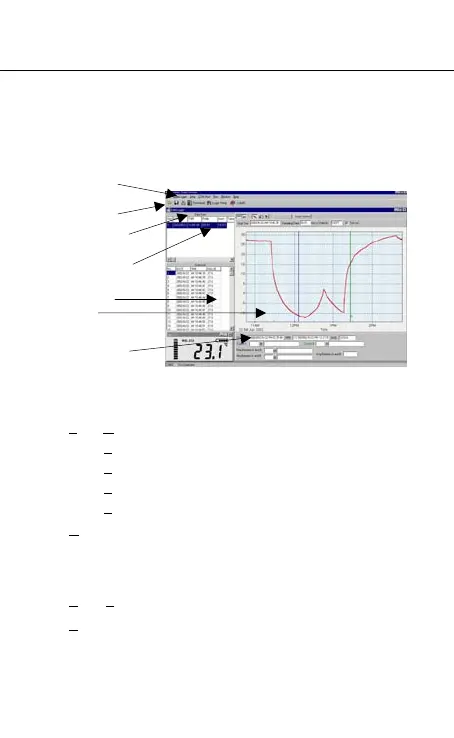
• Main Screen
• Main Menu
File : Open - Open files saved previously from the disk.
S
ave - Save the data to the disk.
P
rint - Print the data (graph or list).
P
rinter Setup - Select printer.
E
xit - Terminates program.
D
ataLogger : By opening the DataLogger Window, the
user can download recorded data form
meter to PC in this window.
S
etup : Setup Recorder from PC.
C
OM port : Select PC communication port manually.
Main menu
Tool menu
DataLogger window
Data Set List
Data List
Graph
Max/Min/Avg
display



 To Next Page