Thermo Recorder
8
5.2 Temperature Recording
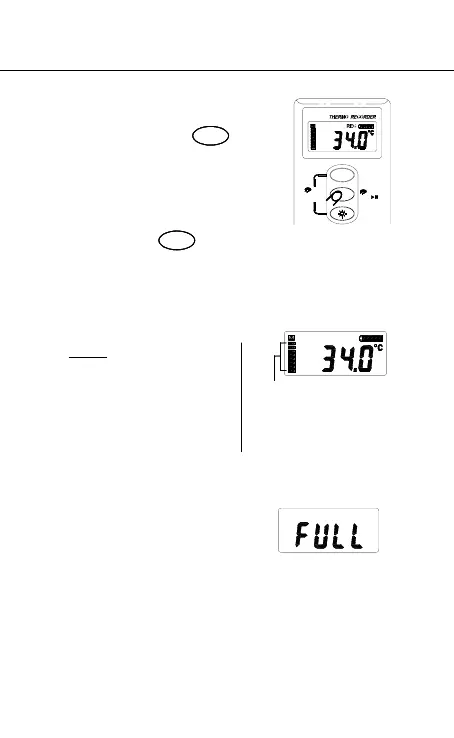
1. Press and hold for
1 second to start recording
and LCD will display
“REC”.
2. To stop recording, press
and hold for 1
second again. The “REC” symbol will disappear.
3. After step 1 and 2, it is called a data set stored in
Recorder.
Note:
1. It is important to check
the memory status
before start recording.
2. LCD will show “FULL” when 64,000 recorders are
stored in Recorder or 15 data sets are stored in
Recorder.
3. If temperature recording is not active, recorder will
power off automatically after 60 seconds. It can be
powered on by pressing any button.
SELECT
SELECT
64,000 records available
totally and each segment
represents about 8,000
records available.
Erase
MEMORY
3 Sec
INTV
ECT
1 Sec
REC



 To Next Page