Thermo Recorder
7
INTV
INTV
SELECT
SELECT
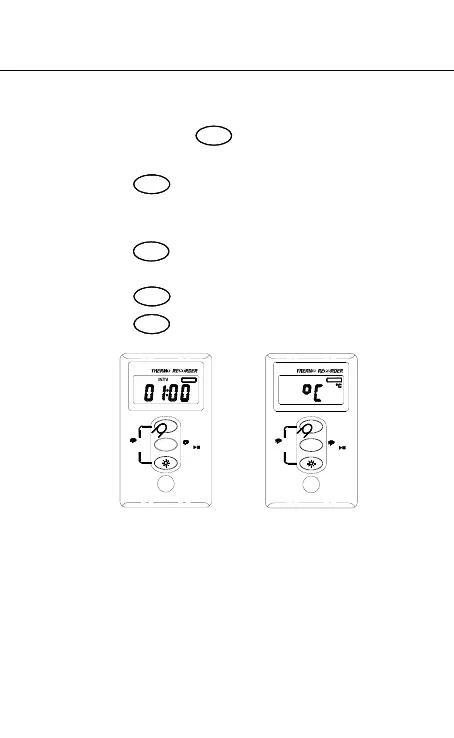
Setup Recording Interval and Temperature Unit:
1. Press and hold for 2 seconds to recording
interval setup mode.(P-1)
2. Press to select record interval. Options are
1,2,5,10,15,20,30 seconds and 1,2,5,10,20,30,60
minutes.
3. Press to finish record interval setup and go to
temperature unit setup mode. (P-2)
4. Press to select °C or °F.
5. Press to save and exit setup mode.
INTV
P-1 P-2
Data Logger:
64,000 Records
SELECT
3 Sec
MEMORY
Erase
TV
REC
1 Sec
64,000 Records
Data Logger:
3 Sec
MEMORY
Erase
SELECT
1 Sec
REC
TV



 To Next Page