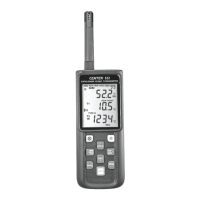
DATALOGGER HYGRO THERMOMETER
6
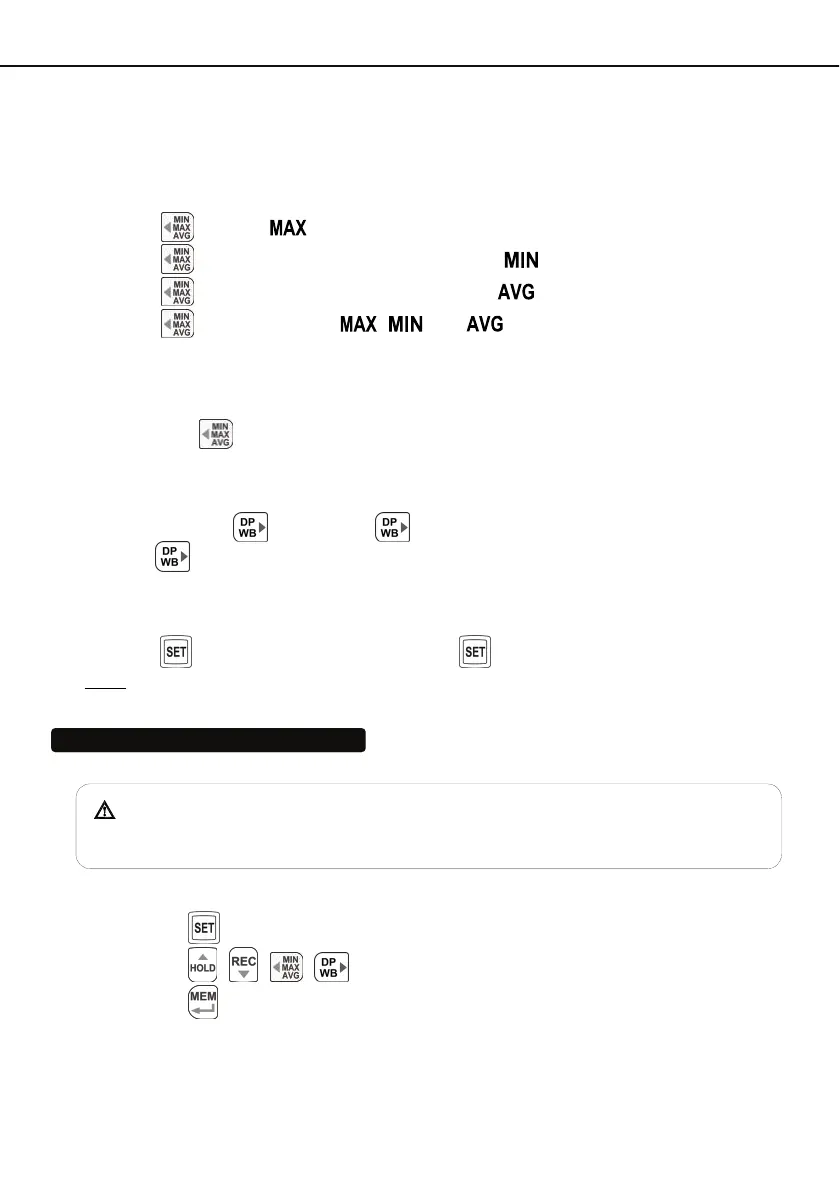
6.7 MAX/MIN/AVG Button:
Under this mode, the unit simultaneously monitors and stores the maximum, minimum and
average value in the memory. The unit will keep updating/refreshing the data.
To start:
(1) Press
button. “ ” symbol lights up on LCD, the reading shows the maximum data.
(2) Press
button again to show minimum data; the “ ” symbol lights up on LCD.
(3) Press
button again to show average data; the “ ” symbol lights up on LCD.
(4) Press
button again, the “ , and ” symbol blinks together, the readings
shows real time data.
To exit MAX/MIN/AVG mode:
Press and hold
button for 2 seconds to exit MAX/MIN/AVG mode.
6.8 Selecting DP/WB Temperature :
The Meter displays ambient temperature when first turned on. To display wet bulb (WB)
temperature, press
once. Press
again to switch to dew point (DP) temperature.
Pressing
third time returns the Meter to ambient temperature. The display indicates when
dew point and wet bulb temperatures are selected.
6.9 SETUP Button:
Press the
button to enter setup options. Press again to exit setup mode anytime.
Note: When the meter is during connection section, setup options cannot be entered.
7. OPERATING INSTRUCTIONS
When moving thermometer from one extreme temperature/humidity environment
to another, allow time for the Meter to stabilize.
7.1 Setup Options:
(1) Press the
button to enter setup options. Press it again to exit anytime.
(2) Using the , , ,
button to adjust parameters or move setting items.
(3) Press the
button to save changes and move to next setting option.


 To Next Page