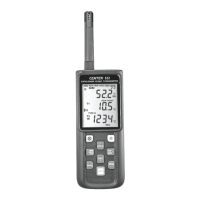
DATALOGGER HYGRO THERMOMETER
9
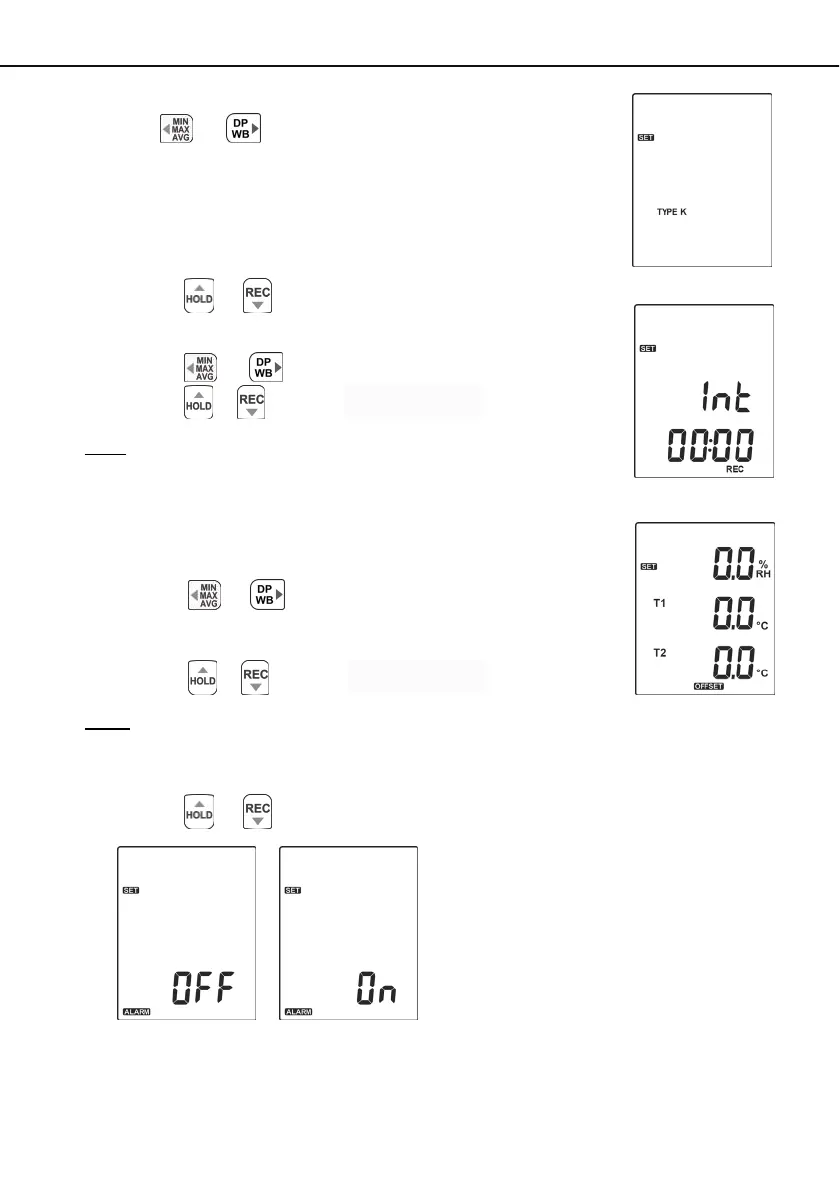
7.3.2 Select Thermocouple Type: K, J, E, T, N, R or S
Press the
or
button to select thermocouple type.
(see Fig.11)
7.3.3 Set Unit:
(1) Press the
or button to select °C、°F、K.
7.3.4 Setting Interval Time For Data Storing:
(1) Press the
or
button to set minute or second. (see Fig.12)
(2) Press the
/
button to increase / decrease value.
Note:
Set interval time range:
1 Second (00:01) to 60 minutes 59 seconds (60:59)
7.3.5 Set Offset To Compensate For Probe Errors:
The user can adjust the readings of thermometer to compensate for the
errors against a specific thermocouple.
(1) Press the
or button to select channel.
(see Fig.13)
Setting channel blinks on the LCD screen.
(2) Press the
/
button to increase / decrease value.
Note:
The offset to compensate for probe errors range: ±5%RH、±5°C or ±9°F.
7.3.6 Set Alarm Point:
(1) Press the
or button to turn ON or OFF. (see Fig.14 or Fig.15)
Fig.12
Fig.13
Fig.11
Fig.14
Fig.15


 To Next Page