DATALOGGER HYGRO THERMOMETER
18
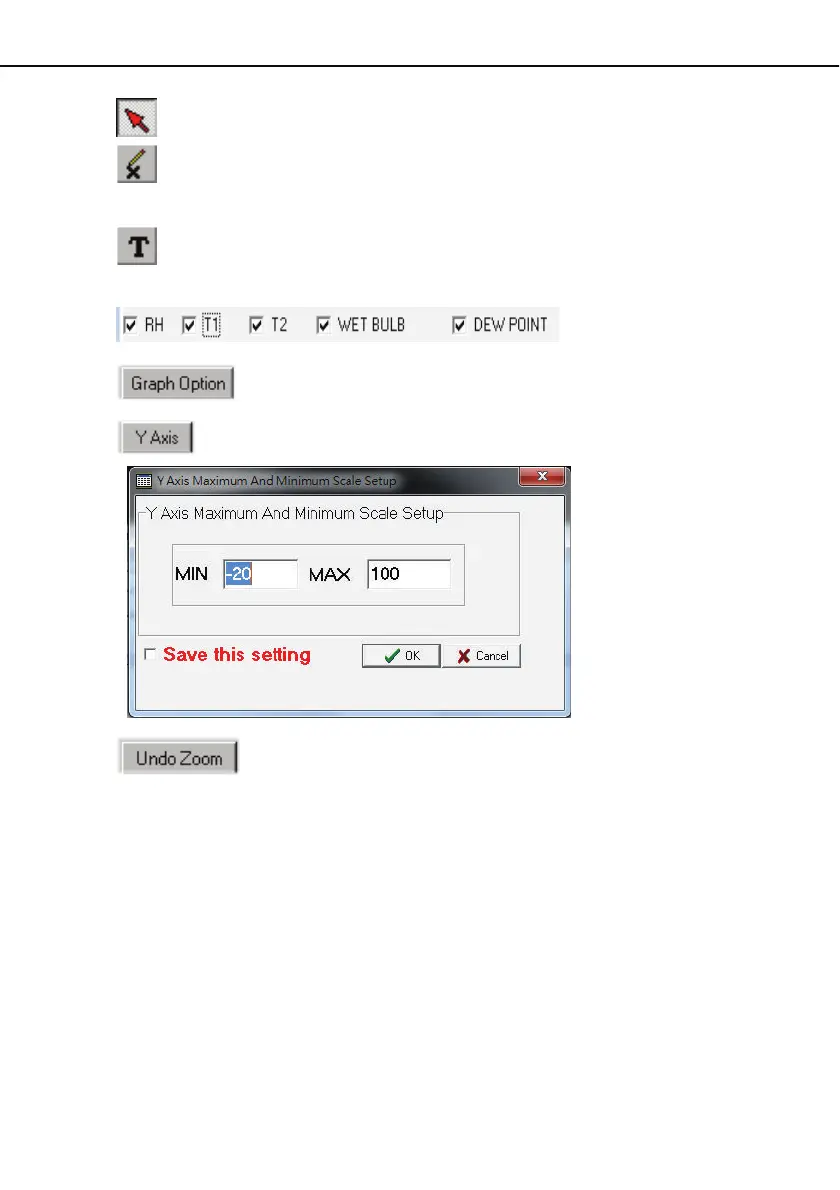
- Normal cursor.
- When selected, the mouse cursor will become a cross sign when moving to the graph,
click on the graph to mark a cross sign on the graph. And all the mark you make will
exist with T1.
- When selected, the mouse cursor will become a " I " sign when moving to the graph,
click on the graph to annotate. And all the text you make will exist with T1.
- Select the channel.
- Graph Customization
- Change the Y axis extention
- To Undo the Zoom
You can Zoom this graph by using mouse:
To Zo o m :
(1) Press the left mouse button and drag the cursor to select the new extents.
(2) Release the mouse button.
You can choose channel number showing in the graph.
(a) Click " Graph Option " to call Customization dialog.
(b) Select Subsets tab.
(c) Select a single channel or multiselect (hold Ctrl key, use mouse to choose) channels.


 To Next Page