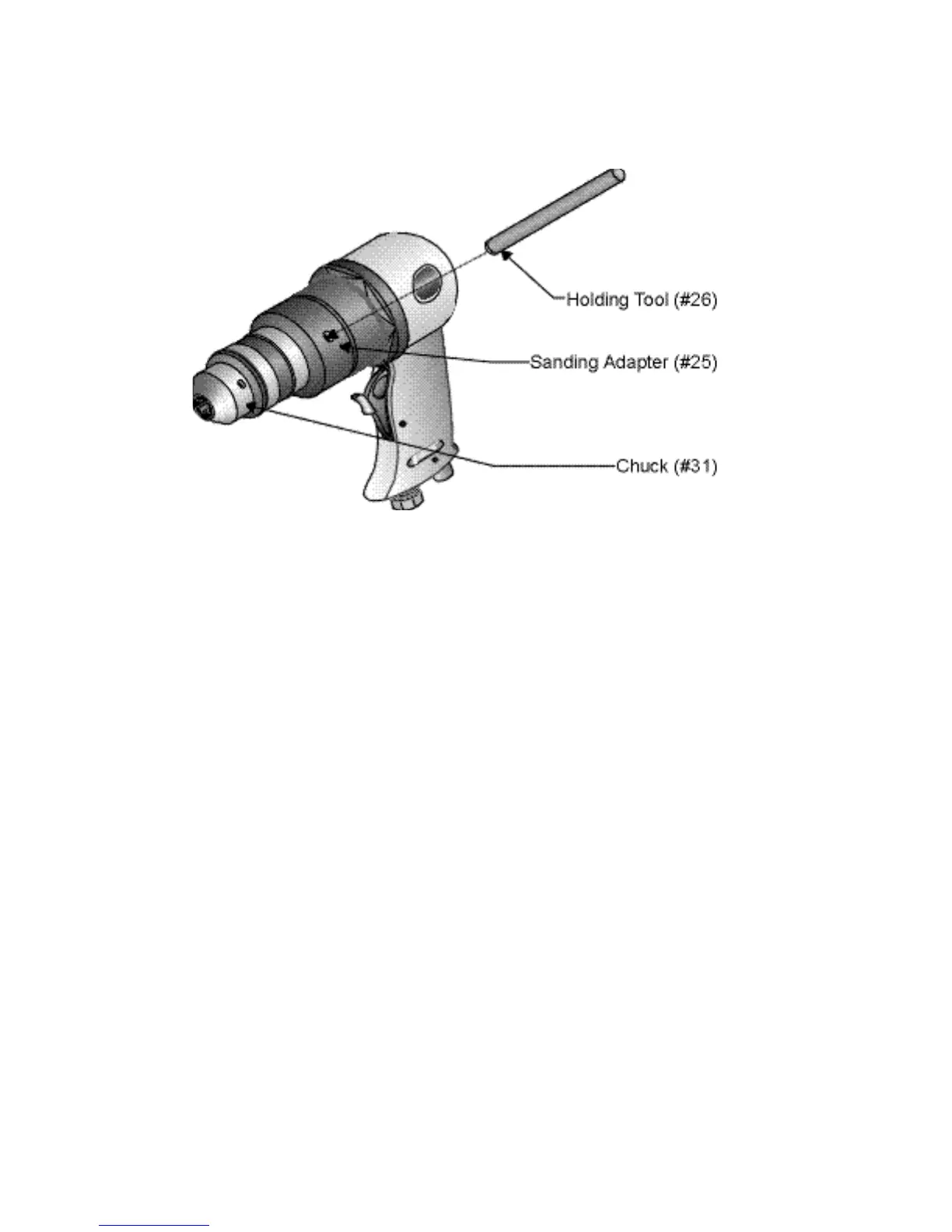
Step 2: Place the HOLDING TOOL (#26) into one of the two holes in the SANDING ADAPTER
(#25) as shown in Figure 1.
Figure 1 — Installing the Holding Tool
Step 3: Turn the Hex Key Wrench counterclockwise to loosen the CHUCK. You may gently tap
on the end of the Hex Key Wrench with a rubber mallet.
Step 4: Remove the CHUCK.
Step 5: You will need sandpaper discs the appropriate size for the Backing Plate you will be
using. These can be purchased at Harbor Freight Tools.
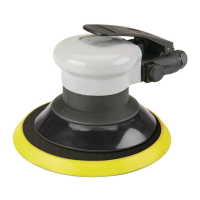
Step 6: Place the desired BACKING PLATE (#28, 29, or 30) over the threads of the ROTOR
(#19). Place the sandpaper disc over the BACKING PLATE.
Page #4 -- SKU: 35245



 To Next Page