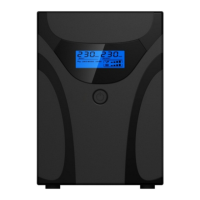
I Displays ,Audio alarm and control button
1) Display (Figure S-8)
There are and one led on front panel .
While switch on, CPU sends a HI signal passes through LED to turn on LED.
2) Audio alarm
The buzzer is controlled by pin 2 of CPU. When CPU send a HI signal to buzzer from pin
2, buzzer is beeping. And CPU send LOW signal to stop buzzer.
3) Control button
ON/OFF Button : Push to turn on UPS, push again to turn off UPS (Please refer Chapter
C for cold start & AC start)
24



 To Next Page