41
42
7-2. Voice recording
7. Voice Recorder
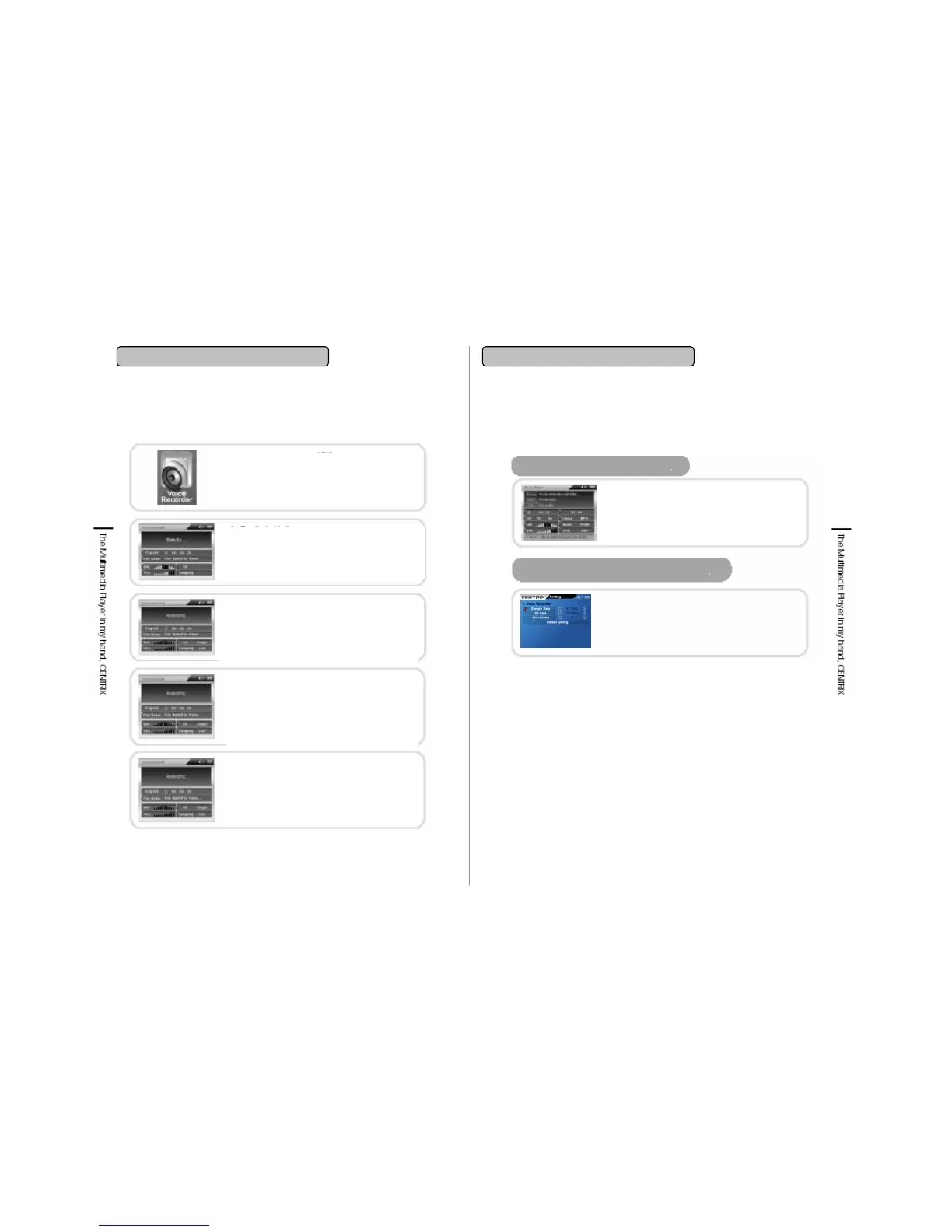
Completion of recording/ stop
If you press ■/ESC while recording then all
the recorded files will be saved in the Voice
folder under Music. By pressing ■/ESC key
it will transfer to main screen.
Voice Recorder selection
Transfer to ‘ Voice Recorder’ using Navigation
button and click it. By selecting Voice Recorder
icon will be highlighted.
Recording standby
By pressing Voice Recorder, voice record
standby status (Ready) will be displayed and
shifted to recording standby status.
Recording
Under recording standby status, recording
will be started by pressing II▶button. If you
press II▶button one more time, it will be
paused.
Pause/ Release
Press II▶button one more time to pause
the screen while playback.
Press II▶butto again to record from the
pause status again.
7-2. Voice recording
7. Voice Recorder
Recorded file playback
Alteration of Voice Recording Setting
Recorded file is saved automatically in the
Voice folder under Music folder. At this point
press Play or Select key after searching
desired file then you can playback the
recorded file.
To change recording setting then transfer to
setting Menu and set the functions of Voice
Recorder. Recording setting switchover while
recording is not available.


 To Next Page