31
32
4. Video Box
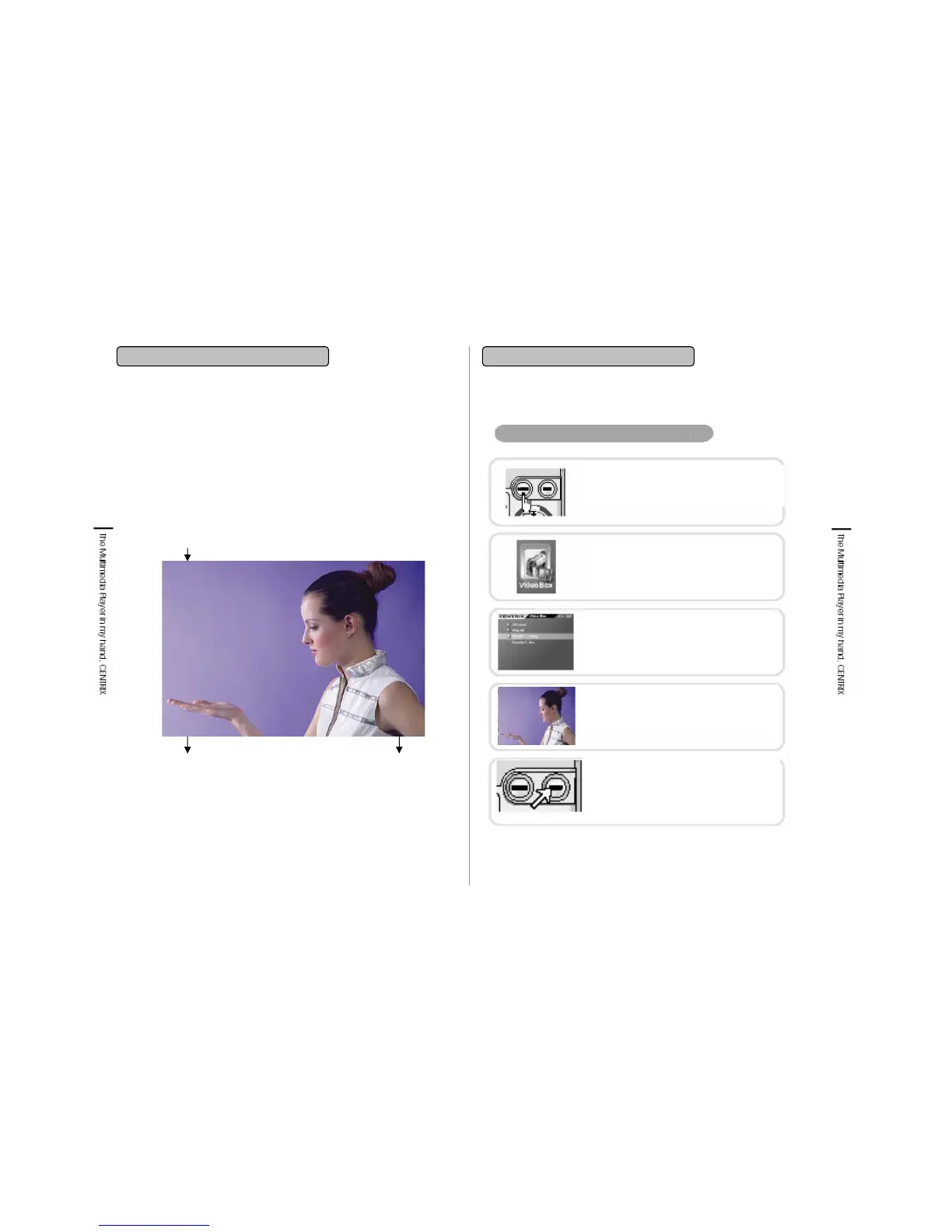
4-1. Video Playback Screen
4. Video Box
4-2. Playing Video File
Video File Playback
Elapsed time
Total playing time
01:23:24
01:51:14
Title : rooms.avi
File name
• You can watch video file (MPG, AVI etc) stored in Video folder
through Video Player.
• You can watch WMV file which are not played in this player
through conversion with media converter.
Play stop
Press ■/ESC key to stop playback.
Then you will enter into Video directory and
you can select song you would like to listen
and playback.
POWER ON
Press POWER button for Power on.
Video Menu Selection
Transfer to navigation button and select
Video and click. By selecting, the icon will
be indicated.
Video File Selection
Put cursor on the file you would like to
playback from the folder under Video and
click. By selecting, the icon will be
highlighted
Video File Playback
If you press the click button, video file will be
played after buffering process. Buffering
Process is displayed as Number and %


 To Next Page