57
58
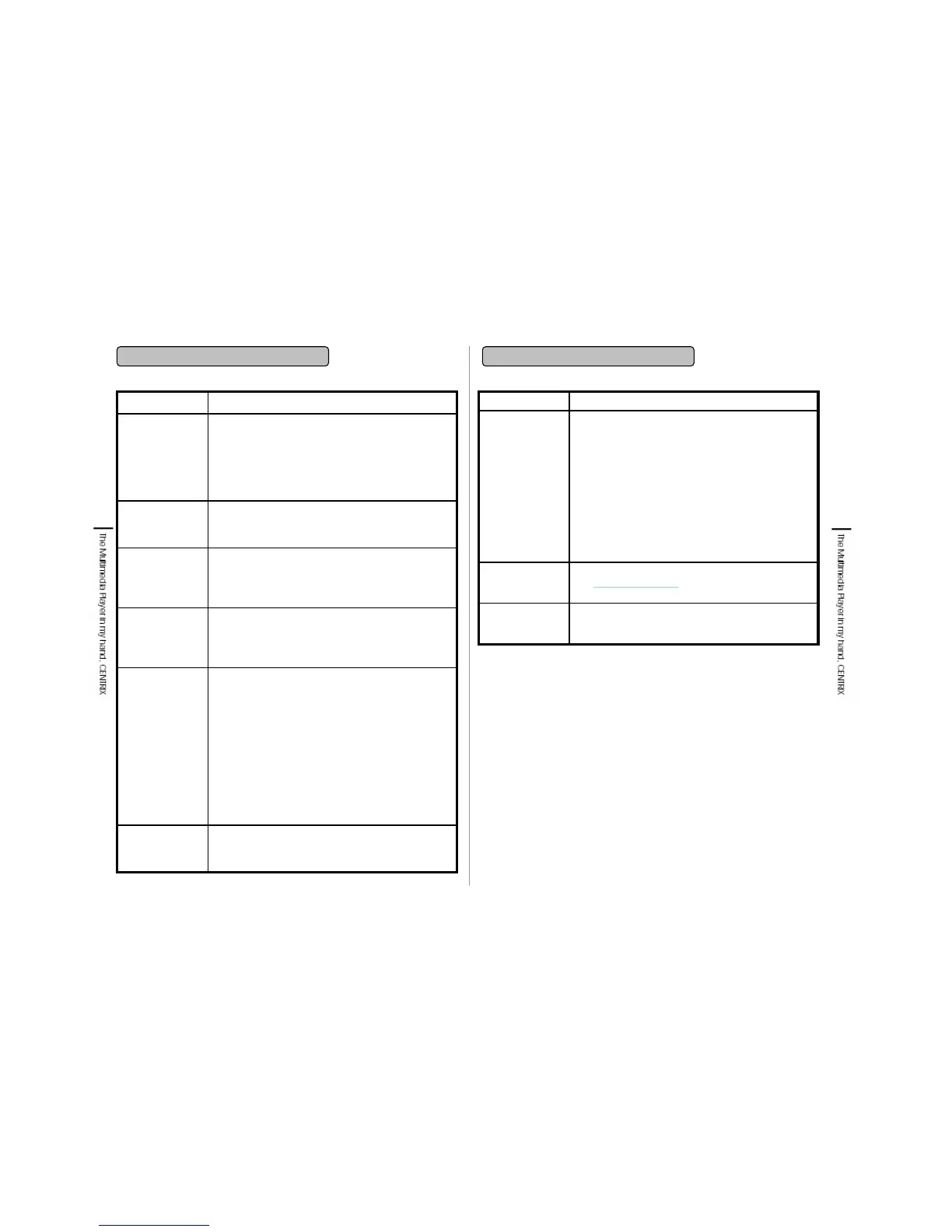
11. FAQ
11. FAQ
• There is no source of power or filled with stored data.
Check before recording the remaining room for store
and organize files.
Recording is not
operated.
• LCD off function is designated for extending the
playing time. If there is no key input while music
playing, recording, viewing photo or USB connecting,
the LCD is automatically turned off.
LCD is repeatedly
turned off.
• Power off function is designated for extending the
playing time. If there is no key input while playing, the
power is automatically off. Press power button to
play again.
Power is off
repeatedly.
• If power is off, the player is not detected.
• If the power is weak, the player is not detected as an
external storage device. Use after recharging or
connecting adapter.
• You should install separate driver under Window 98
version of PC. Install USB 98 Driver in the supplied
Application CD.
• Check whether USB Cable is connected to USB2.0
port.
• If it is connected to USB Host, correct to connect to
USB2.0 port.
Player is not
detected as an
external storage
device when it is
connected to PC
as an USB device.
• Check whether remote controller Hold key is ‘On’.
When Hold key is ‘On’ remote controller does not
operate.
Remote controller
does not operate.
• This product supports only SMI file playback. The
subtitle file which has the extension name as .smi
should have the same file name as video file and be
in the same folder.
• Check whether Caption is ‘On’ in Play Mode. When
Caption is ‘OFF’ caption display is not available.
Video caption
does not display.
SolutionsTroubles
• After purchasing CENTRIX, visit
www.centrixclub.com
site of each country to
subscribe & register under Support section.
How can I make
the customer
register.
• Serial number is pasted on the battery attach part or
the side of box.
Where can I find
the serial
number?
• File Manager is compatible with external storage
device which is made as FAT 16/32 file system.
• When connect to PC, some external storage devices
such as digital camera, external HDD which are
needed of separate Driver or Application are not
detected as an external storage device. Digital
camera, external HDD which has no power input or
source may not be detected. External storage device
which has 500mHa or above power consumption is
not detected. Some digital camera or same CENTRIX
is detected when power on. Check whether USB
Cable is connected to USB Host. If it is connected to
USB2.0, correct to connect to USB Host.
External storage
device is not
detected while
connecting to
USB HOST.
SolutionsTroubles


 To Next Page
 Loading...