Due to CPU specifications limitation, two DDR400 memory modules
inserted into DIMM1/3, three DDR400 into DIMM1/2/3, or four DDR400
into DIMM1/2/3/4 is not recommended.
5. Mounting a Mainboard into a Chassis:
Use standoffs and screws to securely mount the mainboard and make sure that all the
mounting holes are properly screwed.
6. Adding an expansion card:
Gently fasten the card to the proper slot.
7. Connecting I/O ports and device connectors:
Simply plug the cable into the respective device port or connector as shown in the
manual or silkscreen printed on the mainboard.
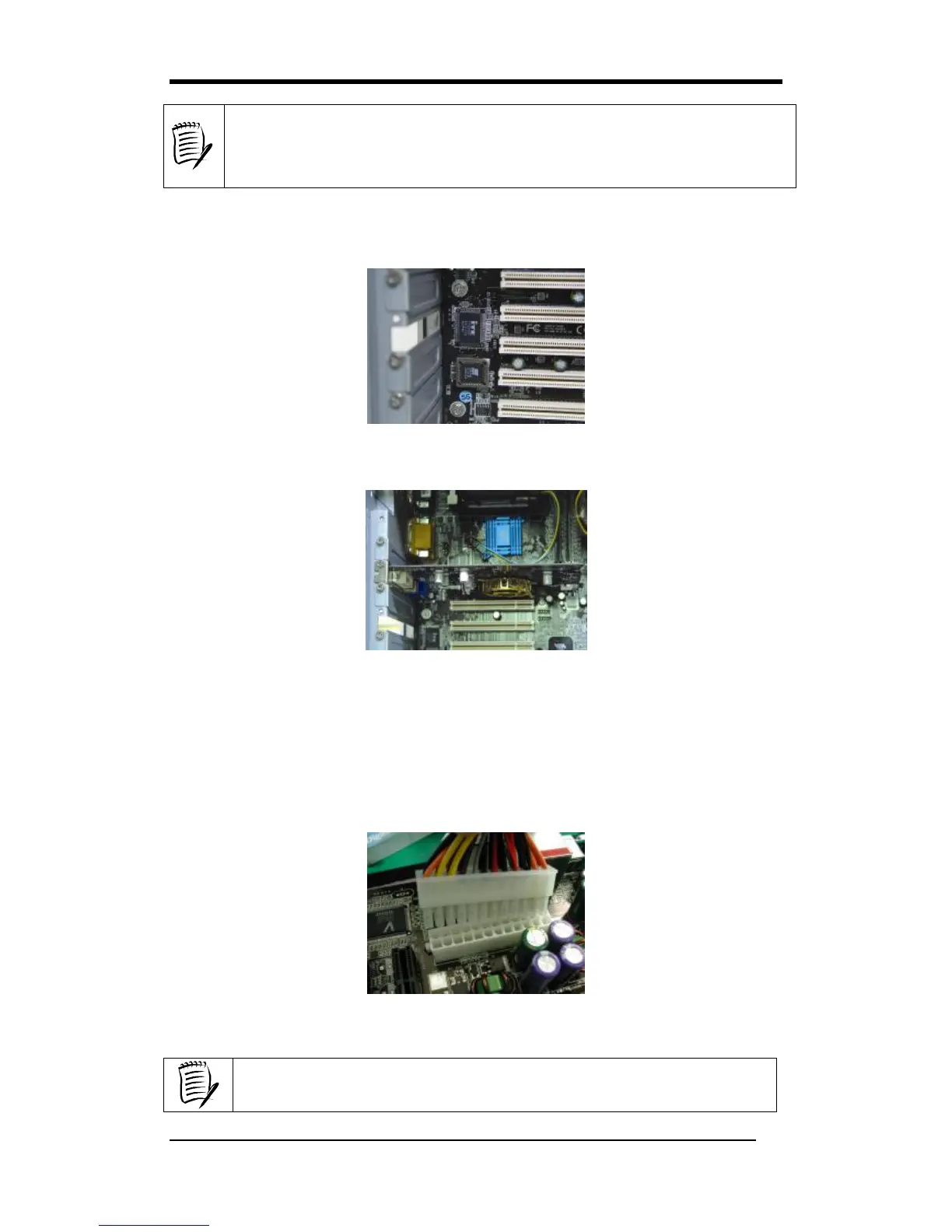
8. Connecting the Power Supply Cables:
Plug in the ATX power cable to the mainboard’s power connector and make sure the
cable is connected.
Note: It is strongly recommended using the ATX2.0 power supply with 24-pin and
4-pin plugs.
The use of certain power supplies such as AC BEL (API4PC01) is not
recommended.



 To Next Page