Chapter 4 Software
The support driver CD that comes with the motherboard provides you with certain
powerful drivers and certain remarkable software, such as the latest NV Firewall, to
enhance the functions of your system.
To start to install the driver CD, please do the following instructions.
How it works
1. Power on your computer and load the driver CD into the CD-ROM.
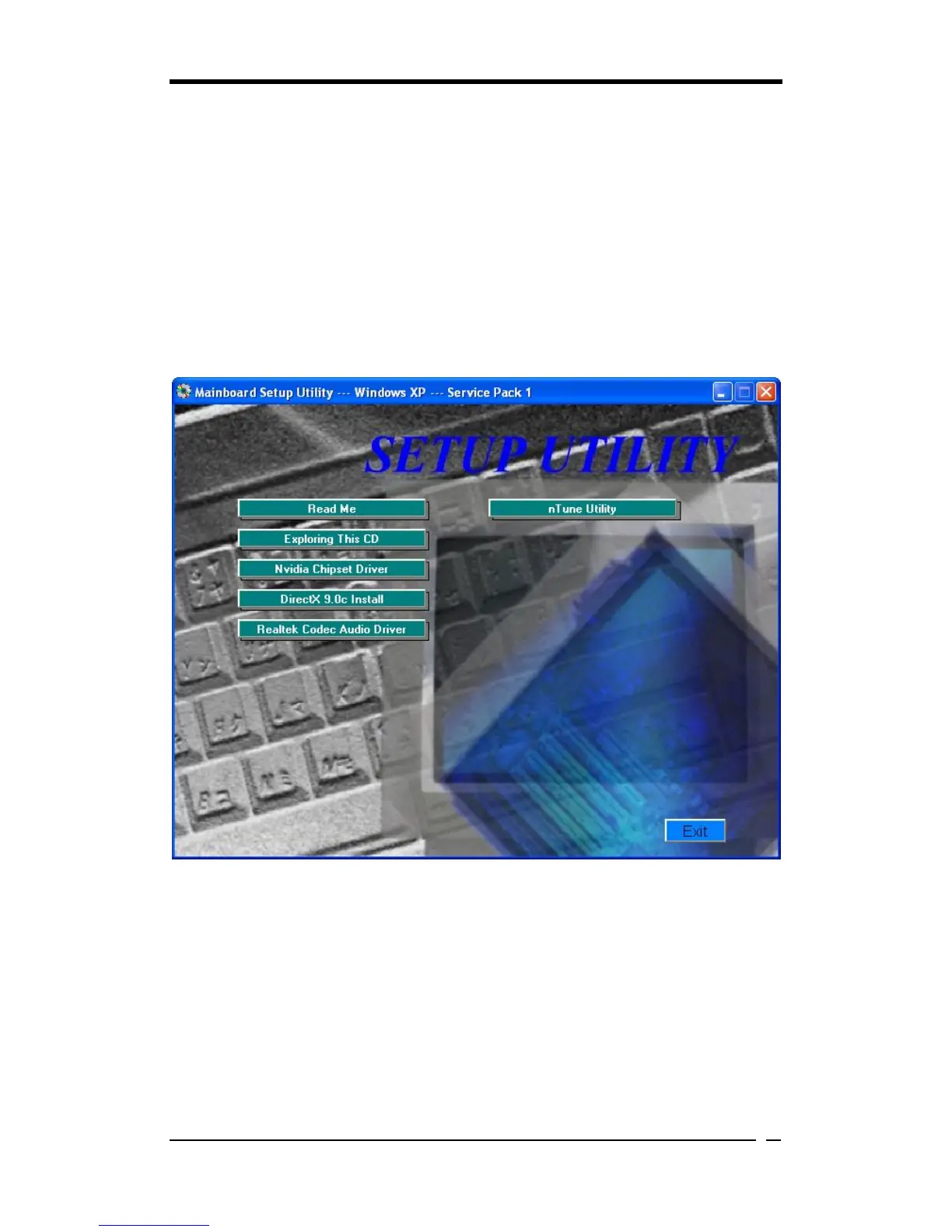
2. It takes about a few seconds to rip the CD and the Autorun screen shall show up,
as shown in the figure below.
3. If the screen above does not automatically appear, please double-click My
Computer, locate the Nvidia_V36 icon and double-click it, then the desired screen
shall show up.
Nvidia Chipset Driver
The item is responsible for installing 4 drivers, including NVIDIA SMBus Driver,
NVIDIA Ethernet Driver and NVIDIA IDE Driver.



 To Next Page