2-2 Jumpers
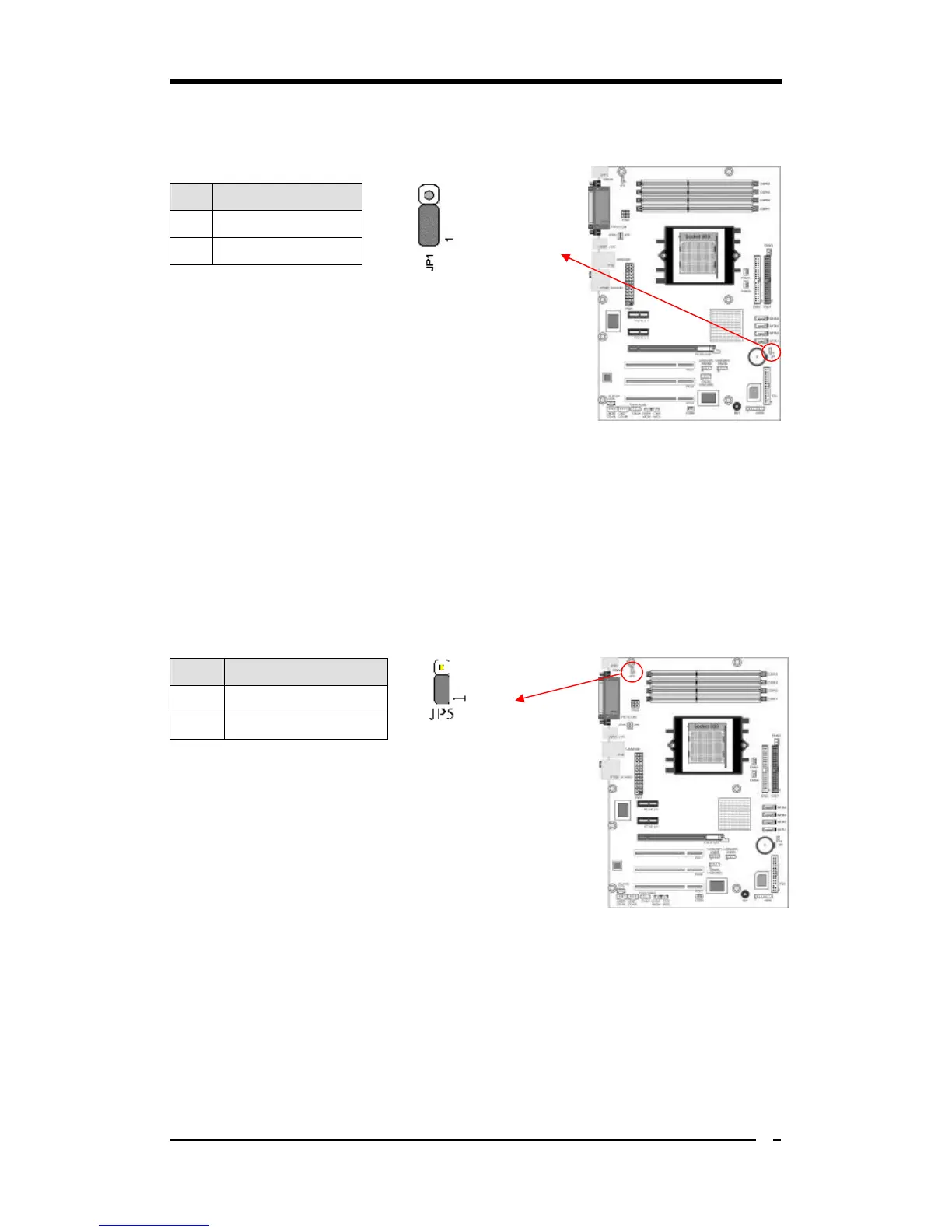
JP1 (CMOS Clear Jumper):
There is a CMOS RAM chip on board that has power
from external battery to retain the data and system
configuration. To clear the contents of the CMOS, please
follow the steps below.
1. Disconnect the system power supply from the
power source.
2. Set the jumper cap at location [2-3] for <5 seconds>, and then set it back to the
default position.
3. Connect the system's power and then start the system.
4. Enter BIOS's CMOS Setup Utility and choose Load Optimized Defaults. Type
[Y] and then press [Enter] to continue.
5. Set the system configuration in the Standard CMOS Setup menu.
JP5 (KB/MS Power On)
This motherboard can be turned on by the PS / 2 keyboard
(hot key). To use this function, select a hot key of your
choice at the Hot Key Power ON option under Wake Up
Events in the BIOS's Power Management Setup screen.
You must also set this jumper's cap to pins [2-3] to use
this function.
Pin



 To Next Page