Chapter 2 Hardware
2-1 PC D.I.Y. Assembly Instructions
1. Jumper Setting:
Set the CPU External Clock, Frequency Ratio and the CPU voltage according to the
instruction printed on the manual or silkscreen printed on the mainboard.
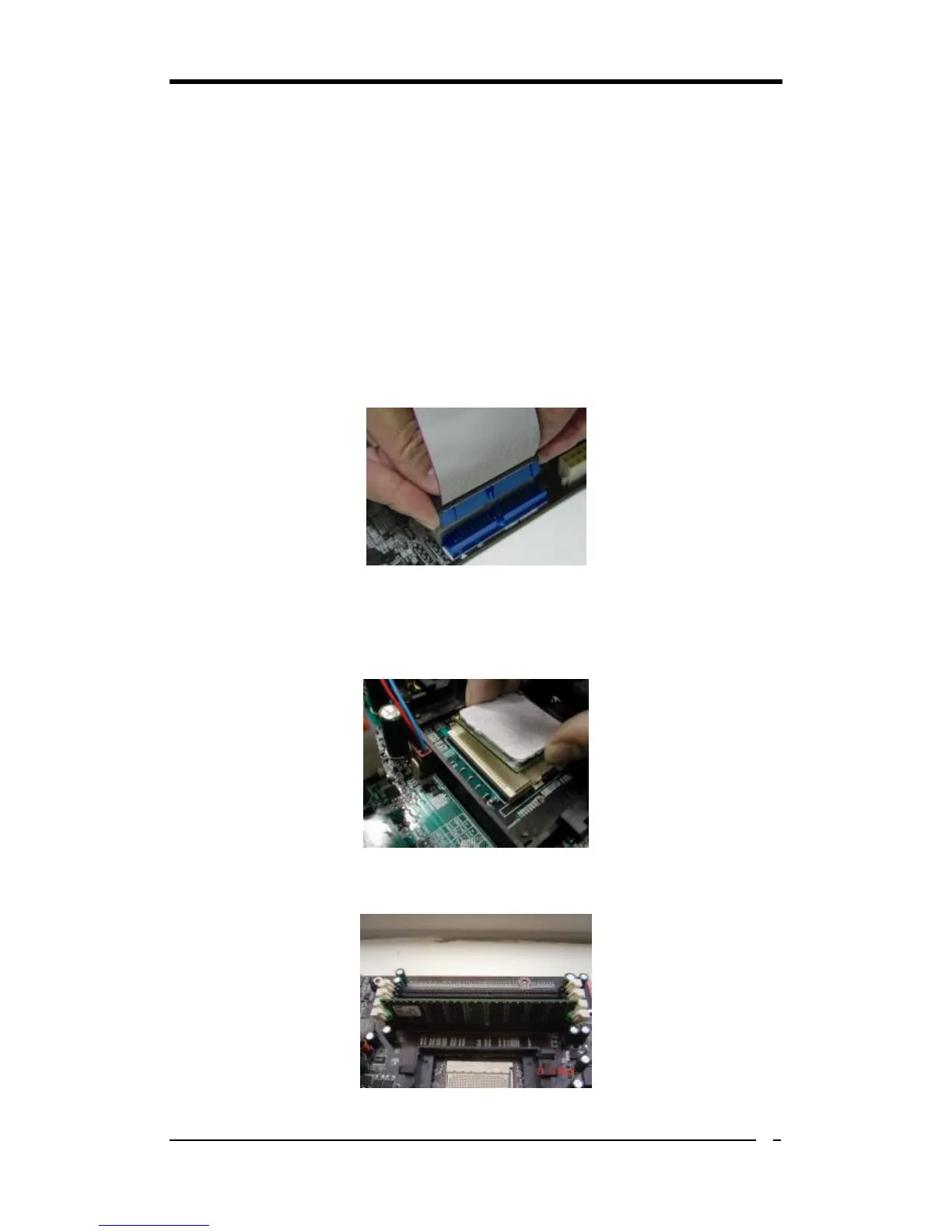
2. Installing FDD and IDE devices:
Aligned the red colored edge of the cable with the pin 1 of the drive connector on the
mainboard and gently attached it. Attach the other end of the cable by aligning the
colored edge to the pin 1 of the device connector. Make sure that all drives are
securely fastened.
3. Installing a CPU:
Locate a noticeable notch in the CPU’s corner. This marking indicate Pin 1 of the
CPU. Gently insert the CPU with Pin 1 at the same corner of the socket that contains
the end of the lever.
4. Installing System Memory:
Push module downward until side clips are properly secure to the module.



 To Next Page