EasyManua.ls Logo

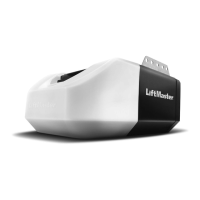
Chamberlain LJ8900W - User Manual

Chamberlain LJ8900W
64 pages
Print Icon
To Next Page IconTo Next Page
Loading...
For Light Duty Commercial Use
Install On Sectional Doors With
Torsion Assemblies Only
NOT FOR RESIDENTIAL USE
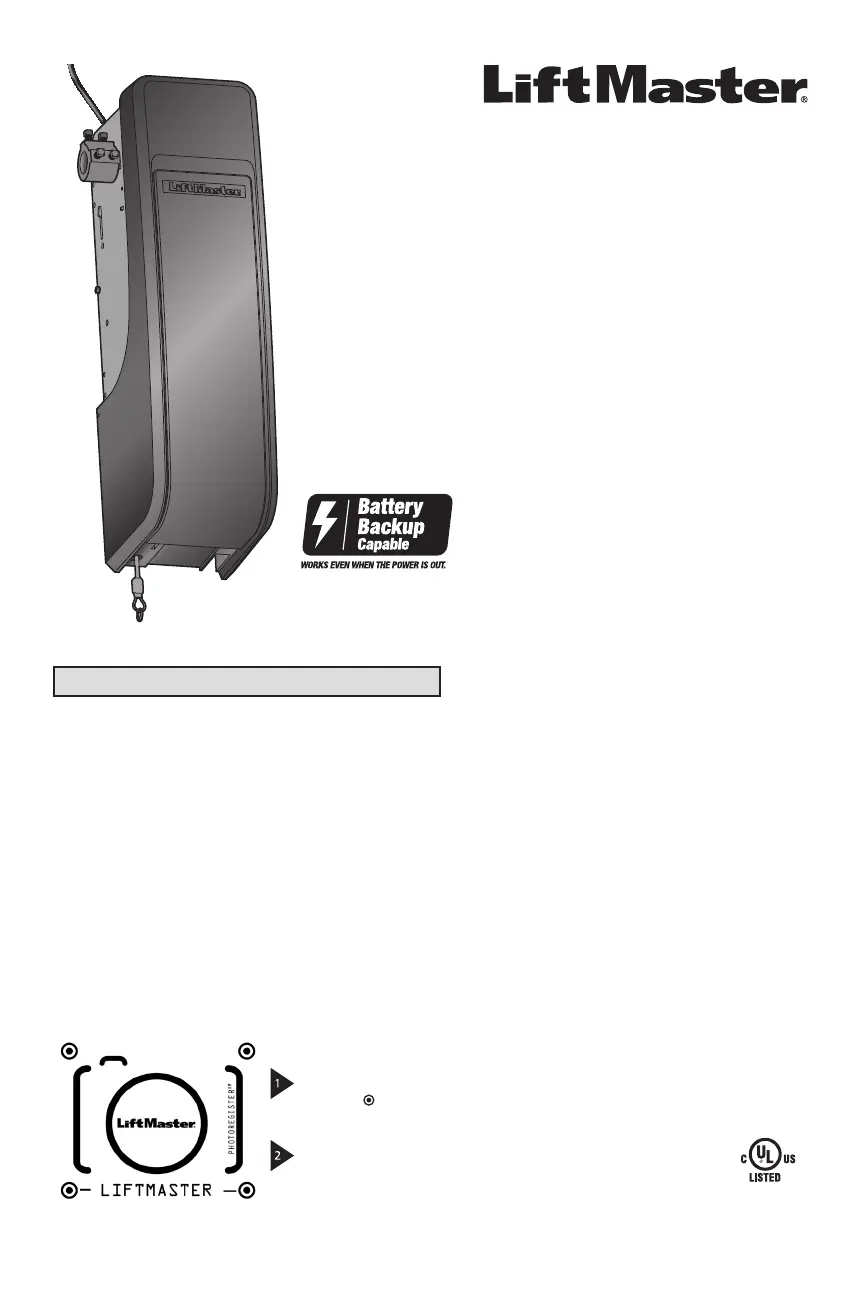
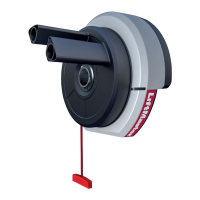
Light-Duty Jackshaft Operator
for Sectional Doors
Model LJ8900W
LiftMaster
300 Windsor Drive
Oak Brook, IL 60523
Please read this manual and the enclosed safety materials carefully!
The door WILL NOT CLOSE unless the Protector System
®
and cable tension monitor
are connected and properly aligned.
Periodic checks of the operator are required to ensure safe operation.
The model number is located on the front cover of the operator.
DO NOT exceed 10 complete cycles of door operation per hour.
This product is to be installed and serviced by a trained door systems technician only.
This product may require adjustments to door springs and/or track configurations. This
product is not intended for use on low headroom tracks with outside pickup drum or
doors utilizing extension springs.
2 YEAR WARRANTY
After Installation, Please Leave with Customer
Register your door operator to receive updates and offers from LiftMaster
Take a photo of the
camera icon including
the points ( ).
Send it in by texting
the photo to 71403
(US) or visit
www.liftmaster.photo
(Global)
SM

Table of Contents

Questions and Answers

  • D
    Dennis LopezSep 9, 2025
    What to do if my Chamberlain Door Opening System has no movement, only a single click?
    • G
      griffithbethSep 9, 2025
      Manually open and close the door. Check for binding or obstructions, such as a broken spring or door lock, correct as needed.
  • S
    Stephen SantiagoSep 12, 2025
    What to do if my Chamberlain Door Opening System operator hums for 1-2 seconds but there is no movement?
    • M
      Melissa JacksonSep 12, 2025
      Manually open and close the door. Inspect for any binding or obstructions, such as a broken spring or door lock, and correct as needed.
  • M
    Mary OrtizSep 14, 2025
    Why does my Chamberlain Door Opening System door coast after it has come to a complete stop?
    • W
      wagnerjaimeSep 14, 2025
      Program travel to the coasting position or have the door balanced by a trained technician.
  • B
    Barbara WilsonSep 16, 2025
    What does it mean if the battery status LED is constantly flashing green on my Chamberlain Door Opening System?
    • R
      Robert BrownSep 16, 2025
      A constantly flashing green battery status LED indicates a battery backup charging circuit error. Replace the logic board.

Summary

Introduction

Planning and Preparation

Details site survey, door preparation, and required tools for installation.

Assembly

Operator Collar and Mounting Bracket

Guides attaching the collar and mounting bracket to the door operator unit.

Installation

Operator Mounting and Alignment

Details how to align and secure the operator onto the torsion bar and wall bracket.

Safety Systems Installation

Guides installing the cable tension monitor, protector system, and light curtain.

Power and Battery Backup

Details connecting power and installing the optional battery backup system.

Adjustments

Programming Door Travel Limits

Sets the open and close limits for the door operator.

Operation

Troubleshooting

Chamberlain LJ8900W Specifications

General IconGeneral
Power SourceElectric
Motor TypeDC
DriveBelt Drive
Battery BackupYes
Remote ControlYes
SecurityRolling Code Technology
LightingLED
WarrantyLifetime (Motor), 5-Year (Parts), 1-Year (Battery & Accessories)
Horsepower1-1/4 HP
ConnectivityWi-Fi
CompatibilitymyQ
Safety FeaturesSafety sensors

Related product manuals