EasyManua.ls Logo

ChargePoint CT4000 Family - User Manual

ChargePoint CT4000 Family
74 pages
Print Icon
To Next Page IconTo Next Page
Loading...
Installation
Guide
ChargePoint, Inc.
1692 Dell Ave.
Campbell, CA 95008-6901 USA
US toll free: +1-877-370-3802
www.chargepoint.com
Document P/N: 75-001084-01 Rev. 3
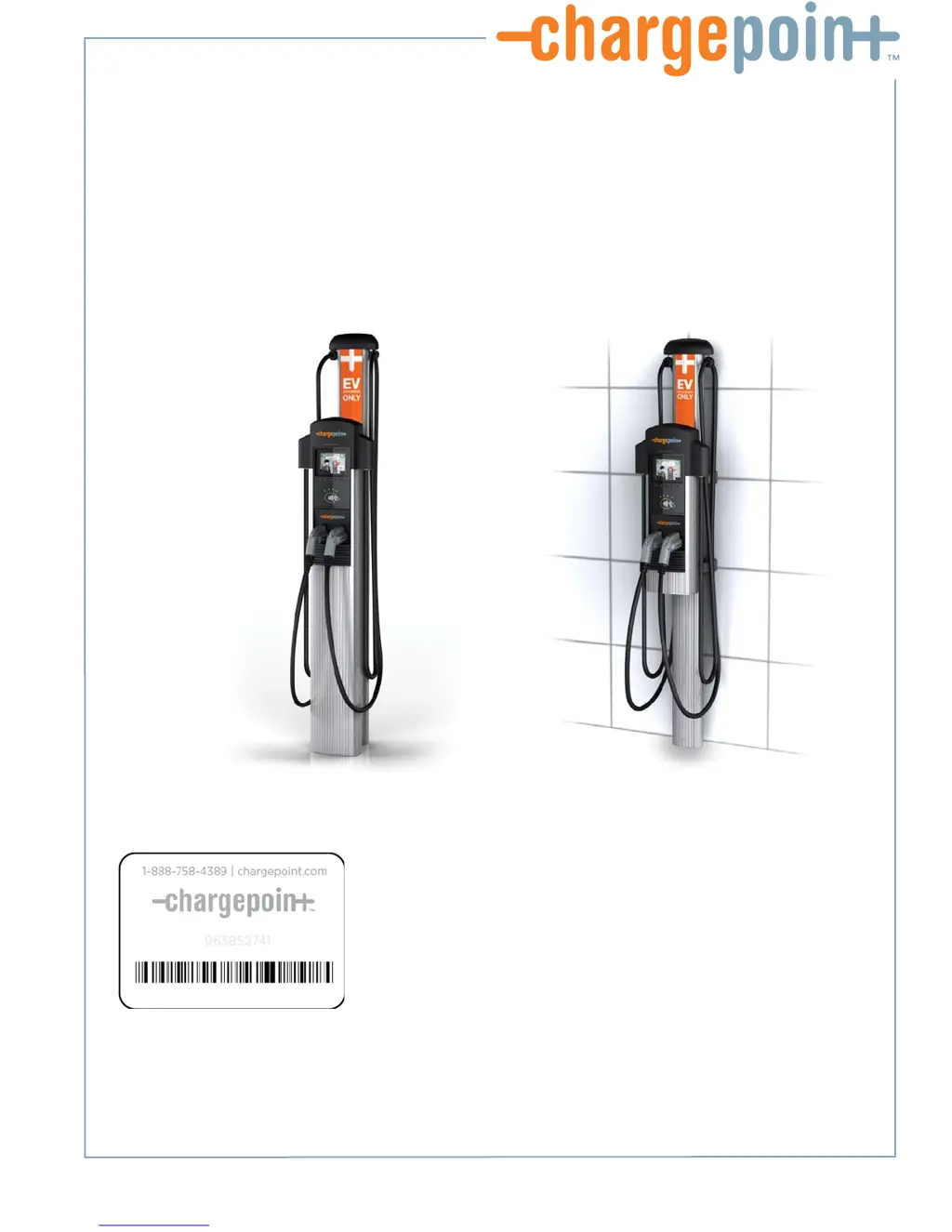
CT4000 Family
ChargePoint® Networked Charging Station

Table of Contents

Questions and Answers

Summary

CT4000 Installation Safety and Compliance

Important Safety Instructions

Essential safety precautions and guidelines for installation.

Grounding Instructions

Specifies proper grounding methods for the charging station.

Regulatory Compliance (FCC;IC)

Details FCC and Industry Canada compliance statements.

Warranty and Liability

Outlines product warranty terms and limitations of liability.

CT4000 Installation Overview

Summary of Shipping Boxes

Lists the components included in each shipping box.

Installation Sequence

Provides a high-level overview of the installation steps.

Pre-Installation Checks

Key checks and considerations before beginning installation.

Technical Specifications

Details the electrical, functional, and safety specifications of the CT4000.

Wiring Diagrams

Illustrates dual and shared power wiring configurations.

Grounding Requirements

Specifies proper grounding methods for the charging station.

Installing the Bollard Mount

Bollard Mount - Before You Start

Lists necessary tools and site preparation for bollard installation.

Bollard Mount - Check Box Contents

Verifies all necessary components are present for bollard mount.

Bollard Mount - Prepare Pole;Base Plate

Instructions for preparing the pole and base plate assembly.

Bollard Mount - Mount Pole;Base Plate

Step-by-step guide for mounting the pole and base plate.

Bollard Mount - Install Main Body

How to attach the main body of the station to the mounted pole.

Bollard Mount - Install Retractor Assembly

Steps for preparing and mounting the cable retractor.

Bollard Mount - Connect Wiring

Detailed procedure for connecting electrical wiring.

Bollard Mount - Check Voltages

Verifies correct voltage levels after wiring connection.

Installing the Wall Mount

Wall Mount - Before You Start

Lists necessary tools and site preparation for wall mount installation.

Wall Mount - Check Box Contents

Verifies all necessary components are present for wall mount.

Wall Mount - Drill Wall Mounting Holes

Guides on drilling holes into the wall for mounting brackets.

Wall Mount - Mount Rear Brackets

Instructions for attaching mounting brackets to the wall.

Wall Mount - Install Retractor Assembly

Steps for preparing and mounting the cable retractor to the wall unit.

Wall Mount - Install Conduit

Procedure for installing conduit into the main body.

Wall Mount - Install Main Body

How to attach the main body to the wall brackets.

Wall Mount - Connect Wiring

Detailed procedure for connecting electrical wiring.

Wall Mount - Check Voltages

Verifies correct voltage levels after wiring connection.

Installing the Head and Top Cap

Head;Top Cap - Before You Start

Lists tools and prerequisites for head/top cap installation.

Head;Top Cap - Check Box Contents

Verifies correct components for the head and top cap.

Head;Top Cap - Prepare Head Assembly

Steps to prepare the head assembly, including SIM card insertion.

Head;Top Cap - Slide Head Assembly Into Body

Guide on sliding the head assembly into the main body.

Head;Top Cap - Connect Head Assembly

Procedure for connecting the head assembly's electrical connector.

Head;Top Cap - Verify Station Operation

Confirms the station functions correctly before final assembly.

Head;Top Cap - Install Cable Clamps

Attaching clamps to secure the charging cable.

Head;Top Cap - Secure Head Assembly

Final steps to secure the head assembly and install rubber plugs.

Station Activation Preparation

Activation - Prerequisites

Lists required items like laptop and login credentials.

Activation - Pinpoint Station Location

Steps to accurately map the station's physical location on ChargePoint.

Activation - Document Radio Groups

Organizes stations into radio groups using activation labels.

Activation - Post-Installation Checklist

Final checks to ensure the installation is complete and correct.

Troubleshooting CT4000 Charging Stations

Troubleshooting - Display and Error Codes

Interpreting station display messages and error codes.

Troubleshooting - Cable Retraction Issues

Steps to fix problems with the charging cable retraction mechanism.

Appendix A: Installation Site Preparation

Site Prep - Bollard Ground Installation

Guidelines for preparing the ground for a bollard mount.

Site Prep - Bollard Concrete Installation

Guidelines for installing a bollard mount on existing concrete.

Appendix B: EV Charging Sign Management

Sign Replacement Procedure

Procedures for removing and replacing the EV charging sign.

Appendix C: CT4000 Power Sharing Setup

Power Sharing - Overview and Prerequisites

Introduction to configuring ports to share a single circuit.

Power Sharing - Install Jumpers and Wiring

Steps for installing jumpers and connecting power sharing wiring.

Power Sharing - Software Configuration

Software configuration to enable power sharing functionality.

Appendix D: Limited Product Warranty

Warranty Terms and Exclusions

Details of warranty coverage, exclusions, and limitations.

Obtaining Warranty Service

Process for initiating a warranty claim or service request.

Additional Warranty Information

Legal and contact information related to the product warranty.

ChargePoint CT4000 Family Specifications

General IconGeneral
Connectors per station1 or 2
Connector TypeSAE J1772
Charging LevelsLevel 2
Product TypeElectric Vehicle (EV) Charging Station
MountingWall, Pedestal
Input Voltage208-240V AC
Output Power per connectorUp to 7.2 kW (30A)
Output Current per connector30A
Network ConnectivityEthernet, Wi-Fi, Cellular
Operating Temperature-30°C to 50°C (-22°F to 122°F)
Enclosure RatingNEMA 3R
AuthenticationRFID Card

Related product manuals