EasyManua.ls Logo

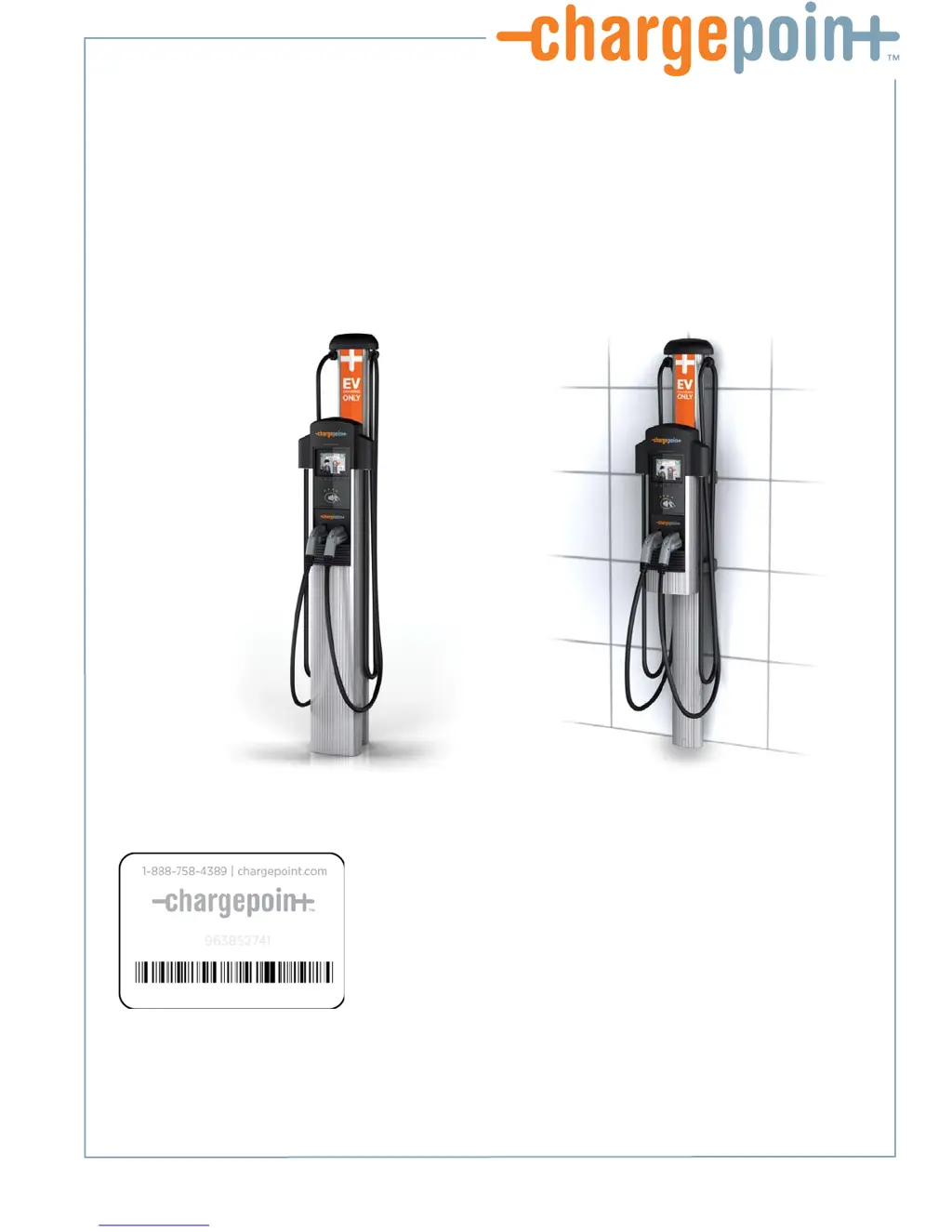
ChargePoint CT4000 SERIES - User Manual

Default Icon
74 pages
Print Icon
To Next Page IconTo Next Page
Loading...
Installation
Guide
ChargePoint, Inc.
1692 Dell Ave.
Campbell, CA 95008-6901 USA
US toll free: +1-877-370-3802
www.chargepoint.com
Document P/N: 75-001084-01 Rev. 3
CT4000 Family
ChargePoint® Networked Charging Station

Table of Contents

Questions and Answers

Summary

Introduction

Dual Circuit Wiring Diagram

Illustrates the wiring for installing a CT4000 on a dual circuit, requiring two dedicated circuits and 40A breakers.

Shared Power Wiring Diagram

Details wiring for a dual port CT4000 on a shared single circuit using a power sharing kit and a two-pole 40A breaker.

Grounding Requirements

Explains voltage requirements relative to ground and specifies systems to connect to or avoid for proper grounding.

Specifications

Installing a Bollard Mount

Bollard Mount: Mount Pole;Base Plate

Details how to position the pole/base plate assembly, adjust nuts for leveling, and tighten securely.

Bollard Mount: Install Main Body

Guides on aligning the main body with the bumper, sliding it onto the pole, and re-tightening screws.

Bollard Mount: Install Retractor

Details inserting the black cap, positioning the retractor, and securing it with screws.

Bollard Mount: Connect Wiring

Provides instructions for connecting wires to the terminal block, including warnings about GFCI and conductor types.

Bollard Mount: Check Voltages

Guides on verifying line-to-line and line-to-ground voltages using a voltmeter after connecting wiring.

Installing a Wall Mount

Wall Mount: Drill Holes in Wall

Details using the packing box as a template, marking, and drilling mounting holes in the wall.

Wall Mount: Mount Retractor

Guides on placing front brackets, tilting the retractor, and securing it with screws.

Wall Mount: Install Main Body

Guides on exposing the pre-drilled hole, aligning the main body, and securing it with flange bolts.

Wall Mount: Connect Wiring

Provides instructions for connecting wires to the terminal block, including warnings about GFCI and conductor types.

Wall Mount: Check Voltages

Guides on verifying line-to-line and line-to-ground voltages using a voltmeter after connecting wiring.

Installing the Head and Top Cap

Head and Top Cap: Slide Head Assembly Into Body

Guides on sliding the head assembly into the main body until stopped by the security tag.

Head and Top Cap: Connect Head Assembly

Instructions for connecting the blue connector of the head assembly to the terminal block and closing the cover.

Head and Top Cap: Verify the Station Operates Correctly

Steps to verify the station displays correctly, status icons are green, and to check station codes.

Head and Top Cap: Authorize Charging Session

Instructs to use the ChargePoint card to authorize a charging session and ensure proper holster function.

Head and Top Cap: Secure Head Assembly

Details removing the L-wrench, seating the head assembly, tightening security screws, and inserting plugs.

Preparing the Station for Activation

Activation: Complete the Post-Installation Checklist

Checklist to confirm all installation tasks are completed, including hardware security, voltages, and network signals.

Troubleshooting

Appendix A: Preparing the Installation Site for a Bollard Mount

Appendix C: CT4000 Power Sharing Instructions

Appendix C: Install Power Sharing Jumpers

Detailed instructions on how to install the jumpers on the terminal block, ensuring they are fully seated.

Appendix C: Connect Wiring for Power Sharing

Guides on connecting the wiring for power sharing, noting which ports are used and warnings.

Appendix C: Configure Station for Power Sharing

Steps to access the Service Menu and enable power sharing configuration in the station's software.

ChargePoint CT4000 SERIES Specifications

General IconGeneral
Connector TypeJ1772
Input Voltage208-240 VAC
Amperage30A
MountingWall or Pedestal
Connectors per station1 or 2
EnclosureNEMA 3R
Charging LevelsLevel 2
Enclosure RatingNEMA 3R
Network ConnectivityWi-Fi, Ethernet, Cellular
Operating Temperature-22°F to 122°F (-30°C to 50°C)
Product TypeElectric Vehicle Charger

Related product manuals