
 Need help?
Do you have a question about the Check Point 1500 Series and is the answer not in the manual?
Details about the standard AC-DC power adapters included with appliances.
List of items included in the shipping carton and accessories.
Overview of the appliance installation process and specifications.
Steps for installing 1530/1550 and 1570/1590 appliances on the shelf.
Procedures for attaching power adapters for appliance rack mounting.
Steps for installing 3100, 3200, 3600, 3800 appliances on the shelf.
 General
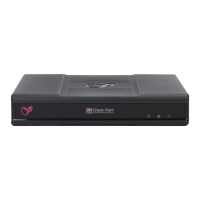
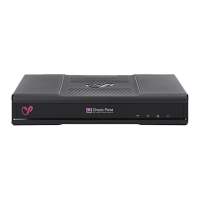
| Product Name | Check Point 1500 Series |
|---|---|
| Category | Network Hardware |
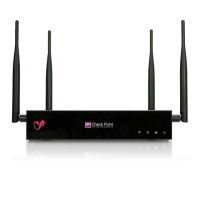
| Wireless | No |
| Form Factor | Desktop |
| Humidity | 5% to 95% non-condensing |
| Concurrent Sessions/Connections | Up to 500, 000 (1550/1570/1590) |
| New Sessions/Connections per Second | 25, 000 |
| Management | CLI |
| Security Features | Firewall, IPS |
| Power Supply | AC 100-240V |
| Weight | 3.5 kg |
| Operating Temperature | 0 to 40 °C |
| Storage Temperature | -20°C to 70°C |
| Interfaces | 8x 1GbE ports (1550/1570/1590) |









 To Next Page
