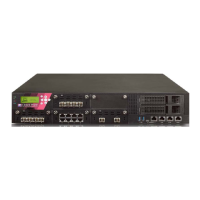
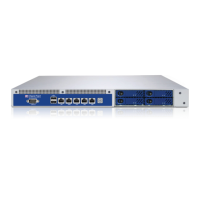
Configuring 15000 / 23000 Appliances
32 | Check Point 15000 and 23000 Appliances Getting Started Guide
Initial Configuration
Configure the appliance with the First Time Configuration Wizard. See the
Installation
and Upgrade Guide
for Gaia Platforms
related to the software version.
Note: The Installation and Upgrade Guides are released only for major versions. For
example, for the Gaia platform R77.30 version, see the R77 Versions
Installation and
Upgrade Guide
for Gaia Platforms
.
Go to the Installing Security Gateways on Appliances section, and see the instructions
to use the First Time Configuration Wizard.
Creating the Network Object
Configure the 15000 / 23000 Appliances object as a Security Gateway object in the
Security Management Server database.
Open SmartDashboard.
Configure a new gateway object for the appliance.
Enter the IP address for the appliance.
For a centrally managed deployment, create Secure Internal Communication (SIC)
between the Security Gateway and the Security Management Server. Enter the
activation key you used in the First Time Configuration Wizard.
Configure the topology.
Install the security policy.
Advanced Configuration
You can configure advanced options on Gaia from the WebUI or the CLI.



 To Next Page