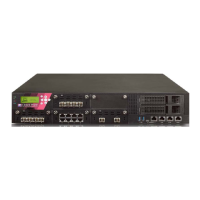
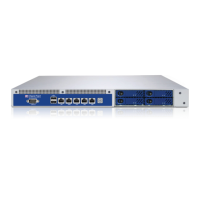
15000 / 23000 Appliances Hardware
40 | Check Point 15000 and 23000 Appliances Getting Started Guide
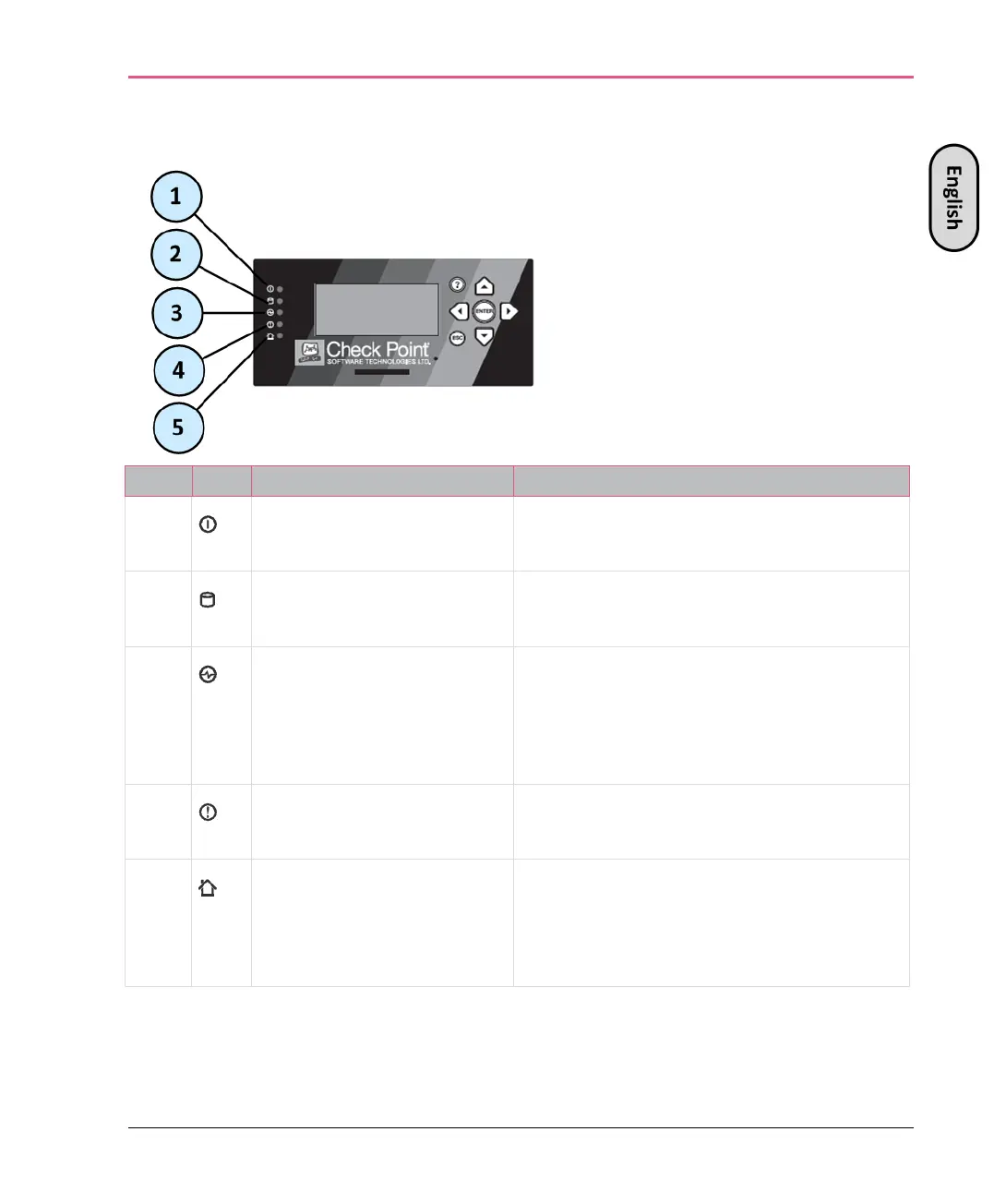
Front Panel LCD Screen
1
System power • Off - System power off
•
On (Green) - System power on
2
Hard disk drive (HDD)
activity
• Off - No HDD activity
• On (Amber) - Read/write activity
3
Power supply status • Off - No power/no status
• Amber - Power supply fault detected
•
Green - Both power supplies are
4
Alert • Off - No faults detected
•
Blinking red - System fault detected
5
Location • Off - Location beacon is turned off
• Blinking blue - Location beacon is
turned on through the Gaia WebUI



 To Next Page