Restoring Factory Defaults
50 | Check Point 15000 and 23000 Appliances Getting Started Guide
Restoring Using the CLI
To restore the appliance through the CLI:
1.
Log in to the appliance.
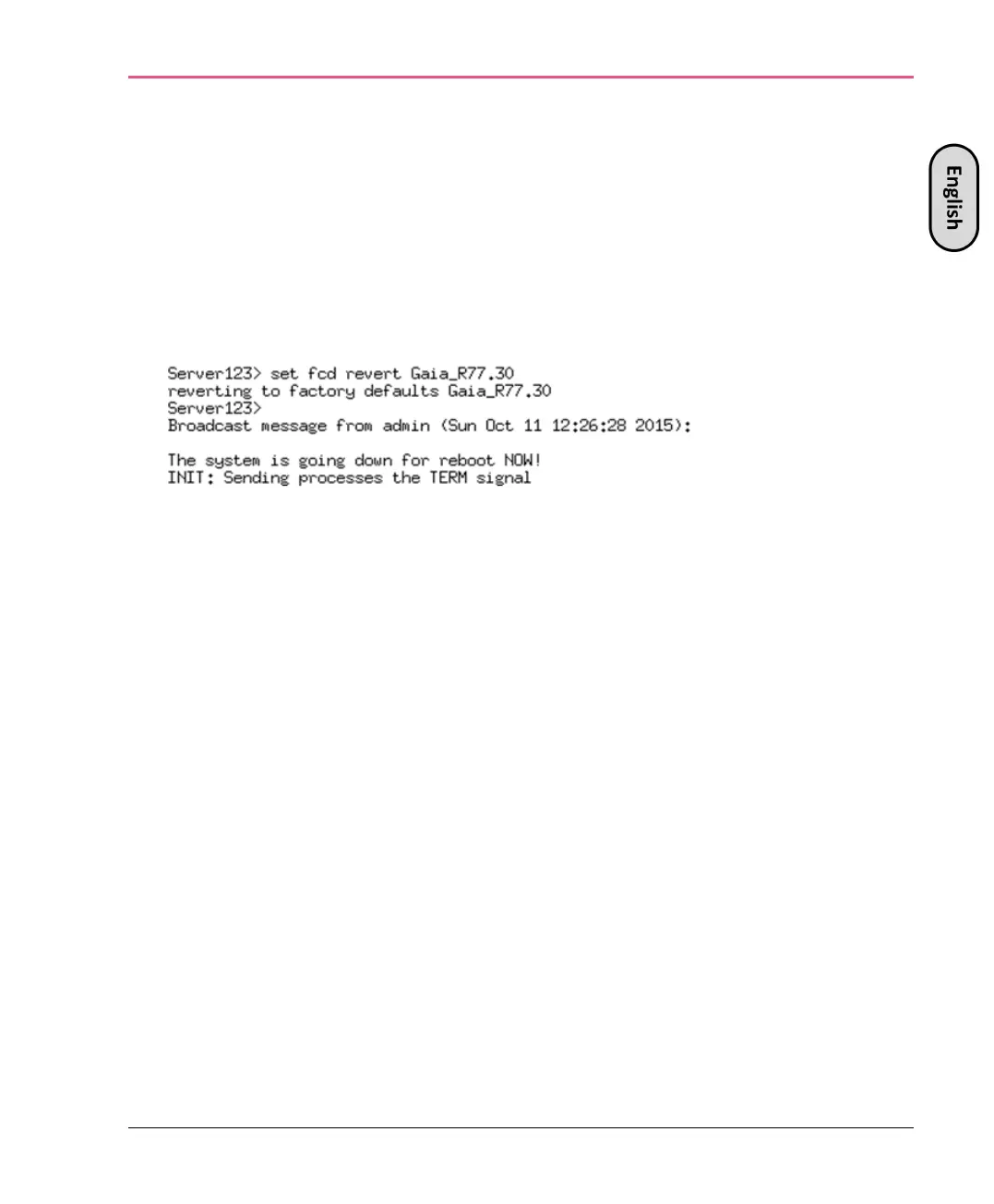
Run this command from clish:
set fcd revert <image_name>
For example: set fcd revert Gaia_R77.30
A reverting to factory defaults message is shown.



 To Next Page