Check Point 15000 and 23000 Appliances Getting Started Guide | 35
CHAPT ER 4
15000 / 23000 Appliances
Hardware
In This Section:
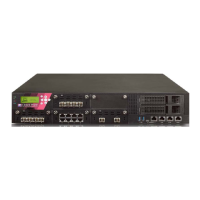
Front Panel .......................................................................................................... 36
Front Panel LEDs and Ports ............................................................................... 38
Front Panel LCD Screen ...................................................................................... 40
Rear Panel............................................................................................................ 42
Lights Out Management ...................................................................................... 43
Dual Redundant BIOS .......................................................................................... 44
Replacing and Upgrading Components .............................................................. 45



 To Next Page