10
4.
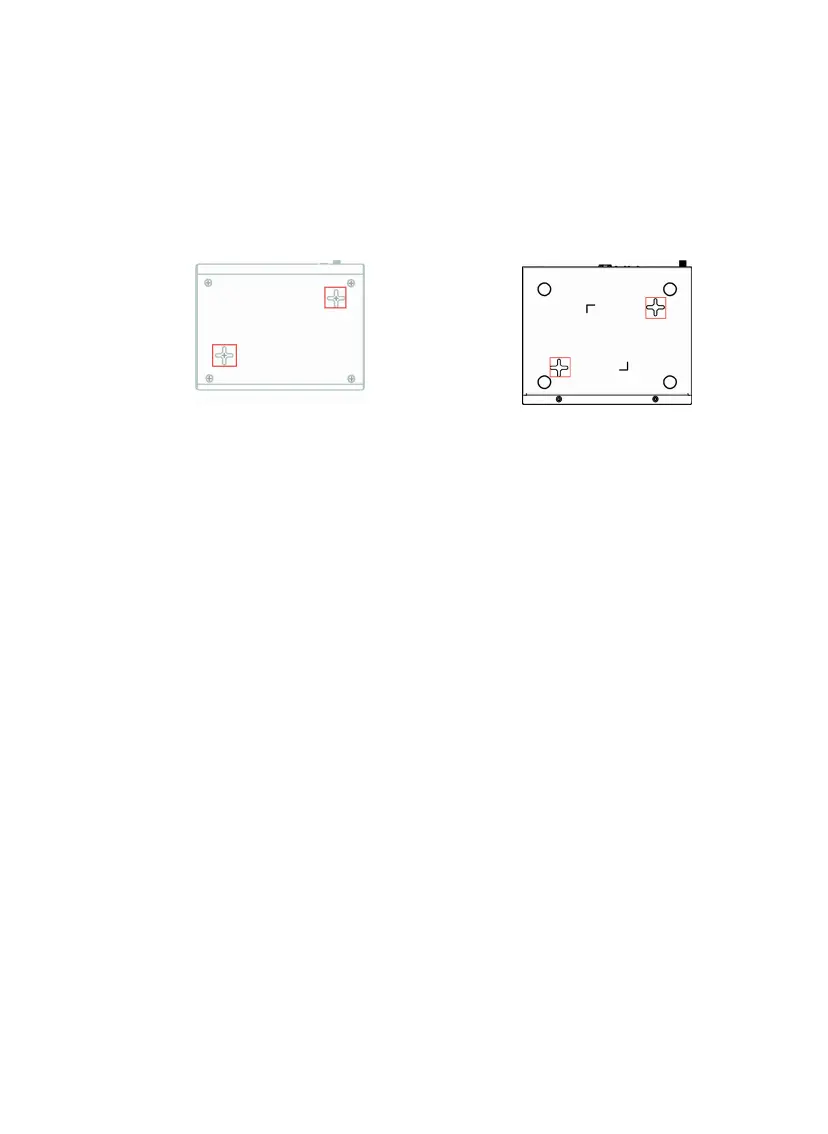
Line up the holes on the bottom of the appliance with the screws.
Place the appliance on top of the screws and slide it forward until it
locks into place.
Note - The holes on the back of the appliance are the same ones used
for wall mounting.
1530 / 1550 1570 / 1590
5.
To secure the appliance, use a screwdriver (not included in kit) to
tighten the screws on the bottom of the shelf. After the screws are
fastened, the appliance is locked to the shelf.









 To Next Page