Using the First Time Configuration Wizard
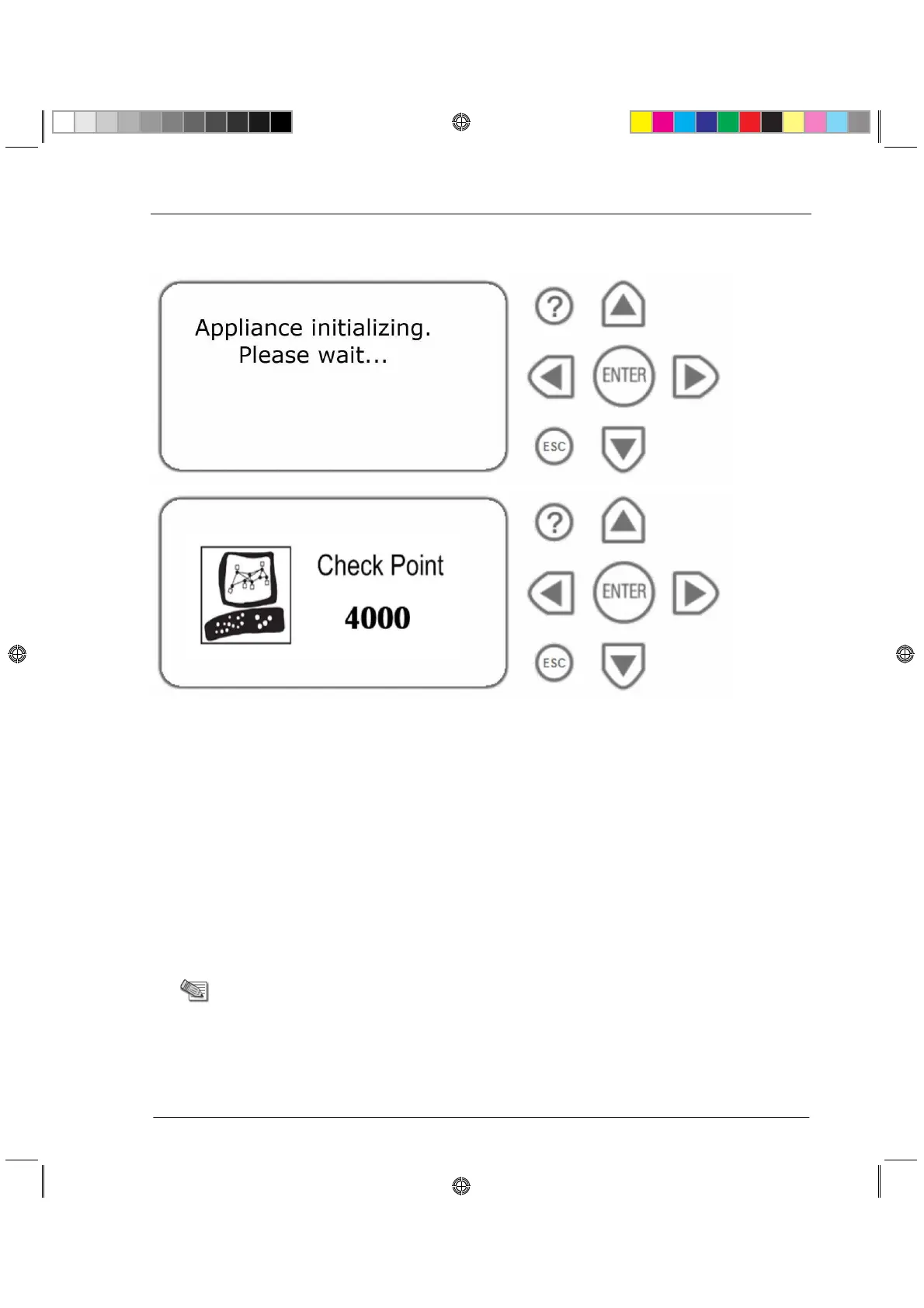
3. Wait for the appliance to initialize and boot. The status of the appliance appears on the
LCD screen:
The appliance is ready for use when the model number is displayed.
Using the First Time Configuration
Wizard
Perform the initial configuration of Check Point 4000 Appliances using the First Time
Configuration Wizard.
You can use the following commands at any time:
x Click Quit to exit.
x Click Next to move to the next page of the wizard.
Note - When running the First Time Configuration Wizard, you may not
see all the windows that are described in this guide. The windows that
appear in the wizard depend on the Check Point 4000 Appliances
software image and the selections that you make.
CP_Toxotai_GettingStartedGuide_422 22CP_Toxotai_GettingStartedGuide_422 22 05 July 2011 1:21:11 PM05 July 2011 1:21:11 PM






 To Next Page