Procedure for Smart-1 6000-L/6000-XL Appliances
Quantum Smart-1 600-M/6000-L/6000-XL Appliances Replacing Line Cards|17
Removing an Expansion Line Card from the
Riser
1.
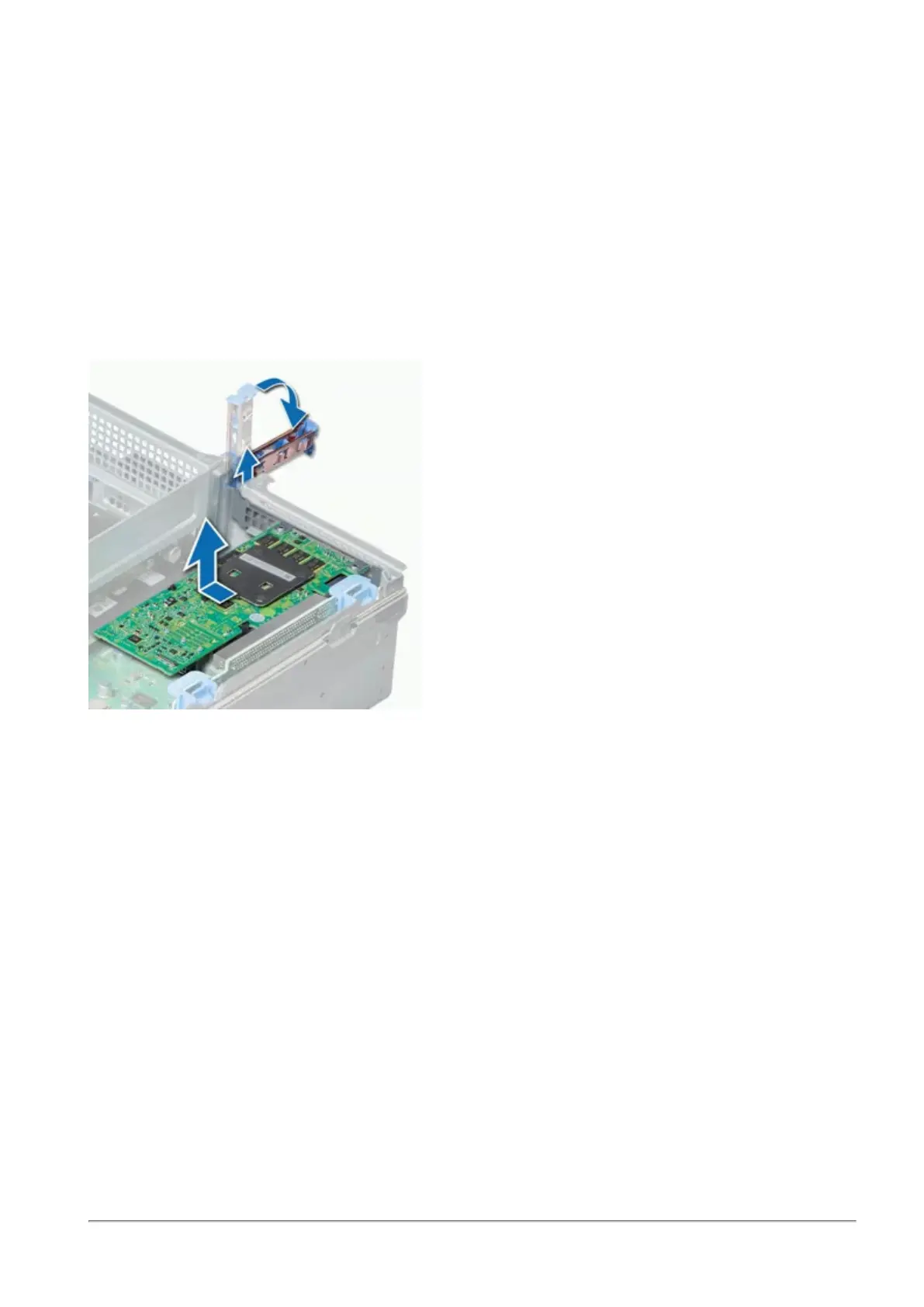
If applicable, lift the expansion line card latch(es) out of the slot.
2.
Hold the expansion line card by its edges, and pull the card until the card edge connector
disengages from the expansion line card connector on the riser.
Note - If you do not immediately install a replacement expansion line card when a line card fails,
leave the failed line card in place to ensure proper appliance cooling until the new line card is
installed.












 To Next Page