Labels
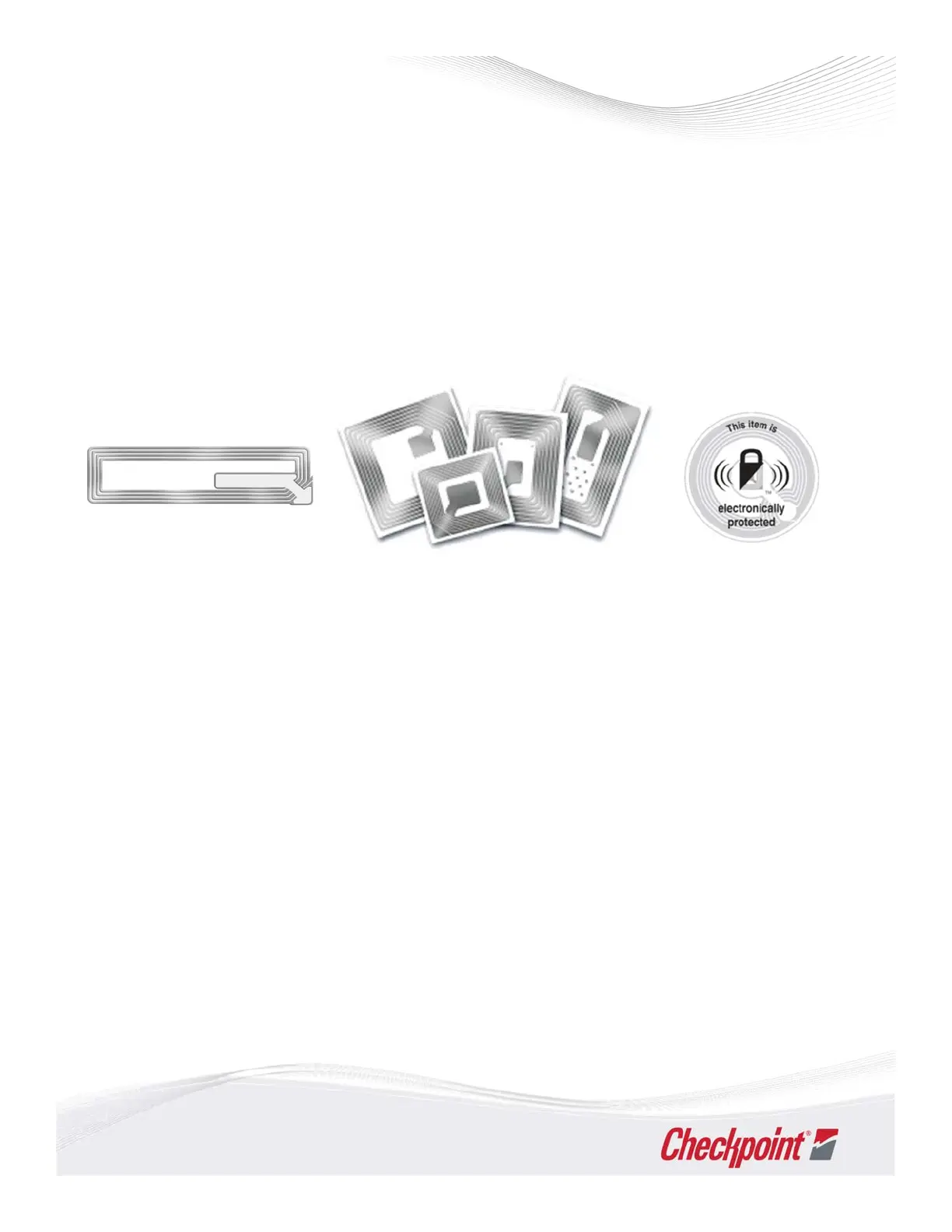
EASLabelsarethinRFlabelsdesignedtohelpprotect merchandiseanddetertheft.Theselabels
comeinmanydifferentshapes,sizes,prints,colorsandcanbecustomizedtoconveycompanyor
corporateinformation.
Itemsonwhichstickertags/labelsareappliedmustbepassedoverthedeactivationequipmentat
thepointofsaleinordertoneutralizeandpreventtheantennaattheexitbeingactivatedasthe
customerleavesthe store.
Therollsoflabelsaredeliveredina‘live’condition.Alivelabelwillactivatetheantenna.Allrolls
mustbekeptatroomtemperature,awayfromcustomersanddeactivation equipment.
• Remove one label from the roll and place on product as desired. Ensure the label is smoothly
and completely adhered, and placed close to the barcode if possible.
• Differenttaggingproceduresandplacementmayberequireddependingonthetypeoflabel
and product.
• Never cover important or legal information such as best before dates, safety instructions or
ingredients.
• Avoid tagging directly on top of metallic items or finishes. Doing so may interfere with the
detection, but can still be suitable as a visual deterrent.
• Each label is subjected to Checkpoint’s quality control measures. Sometimes tags are produced
that do not meet a high enough standard. T hese tags may appear within any roll and are
identified by a red spot.
• Please dispose of any ‘red‐spotted tags’ as these m ay not wo rk your system. All faulty tags are
automatically replaced and added at the end of that roll.
GeneralGuidelines
18



 To Next Page