10
When the Main Unit uses a Type-C cable and batteries at the same time, the Main Unit will not use the power supply of the
batteries. The Type-C cable will not charge batteries inside the Main Unit.
2.2 Main Unit Basic Setting
2.3 Main Unit Temperature Setting
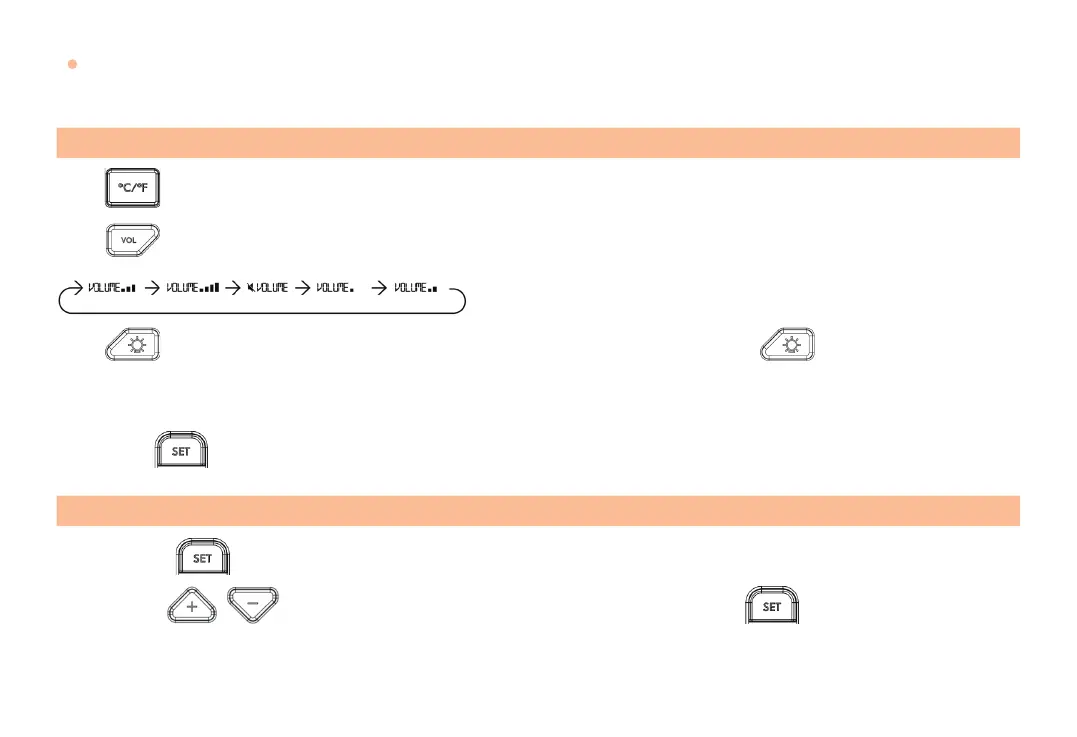
Press to switch between Celsius and Fahrenheit.
Press to adjust the alarm volume level, there are 5 volume levels available.
The volume levels displayed on the device are shown below:
Press to turn the backlight on for 20 seconds, the backlight will turn o after pressing again or if the device is
not operated for 20 seconds.
Long press for 3 seconds to reset the maximum and minimum temperature memory of the selected channel.
Step 1:
Press to enter temperature setting mode, the HIGH ALARM digits will begin ashing.
Step 2:
Use to adjust the desired HIGH ALARM temperature. Press again to confirm the HIGH
ALARM setting, and the LOW ALARM digits will begin ashing.



 To Next Page