16
7. Calibration Guide
ChefsTemp Quad XPro is ready to use. No extra testing or calibration is required before using it. If you need calibration, please
refer to the following steps:
Step 1:
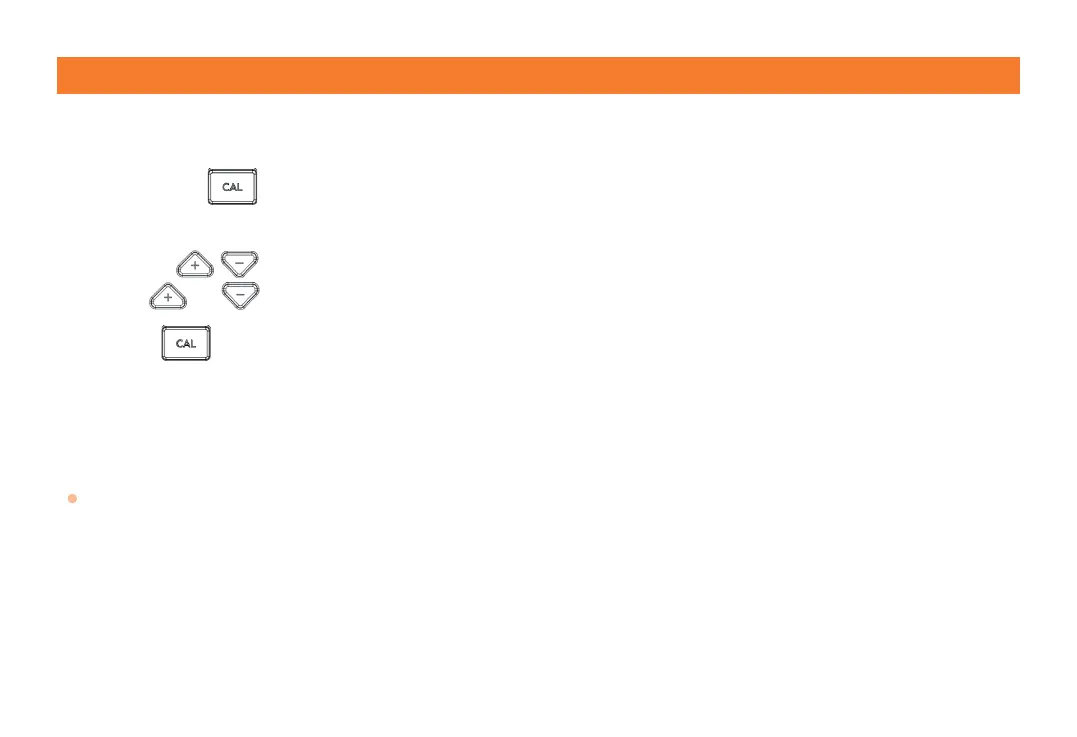
Long press for 5 seconds to enter the calibration mode. The measured temperature of channel 1 will display 0.0°F,
and display "CAL".
Step 2:
Press to increase or decrease the temperature. Each time you press, the value will be adjusted by 0.1.
Long press or to quickly set the temperature. The available calibration range is ±3.6°F(±2°C).
Step 3:
Press again to conrm the settings of channel 1, and enter the settings of channel 2.
Step 4:
Repeat steps 2-3 until channel 4 is set. If there is no operation for 20 seconds, the current setting will be automatically
saved and calibration mode will be exited.
Note:
When powered off, the settings will be saved on the device unless the batteries and Type-C cable are removed or the
batteries exhausted and Type-C cable is not inserted.



 To Next Page