11
Step 3:
Use to adjust the desired LOW ALARM temperature. Press again (or no operation for 20
seconds) to conrm LOW ALARM setting and exit the temperature setting mode.
Step 4:
Press to turn the alarm function on or o for a specic channel. Use "O" to turn o alarm sounds.
Note:
Long press or to quickly set the temperature.
When setting the HIGH ALARM, if there is no operation for 20 seconds, the current setting will be automatically saved and
the setting mode will be exited.
When the device is powered o, the settings will be saved on the device unless the batteries and Type-C cable are removed
or the batteries exhausted and Type-C cable is not inserted.
2.4 Receiver Setting
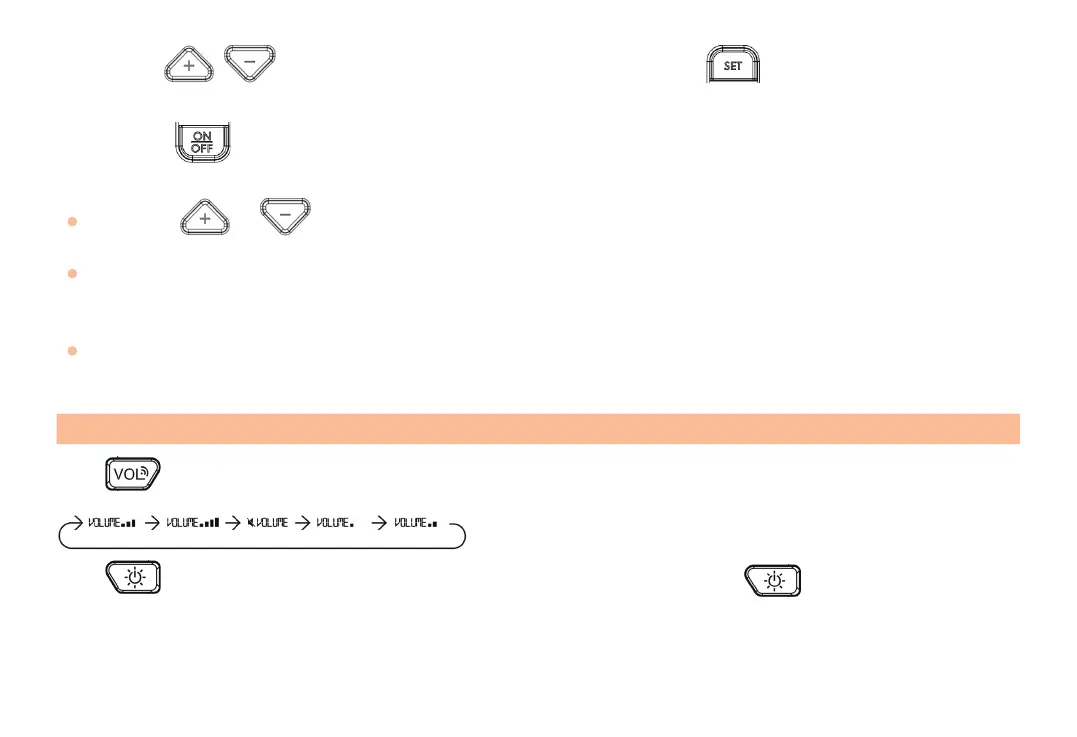
Press to adjust the alarm volume level, there are 5 volume levels available.
The volume levels displayed on the device are shown below:
Press to turn on the backlight for 20 seconds, the backlight turns o after pressing again or if the device is not
operated for 20 seconds.



 To Next Page