14
4 Raising the angle of
the keyboard
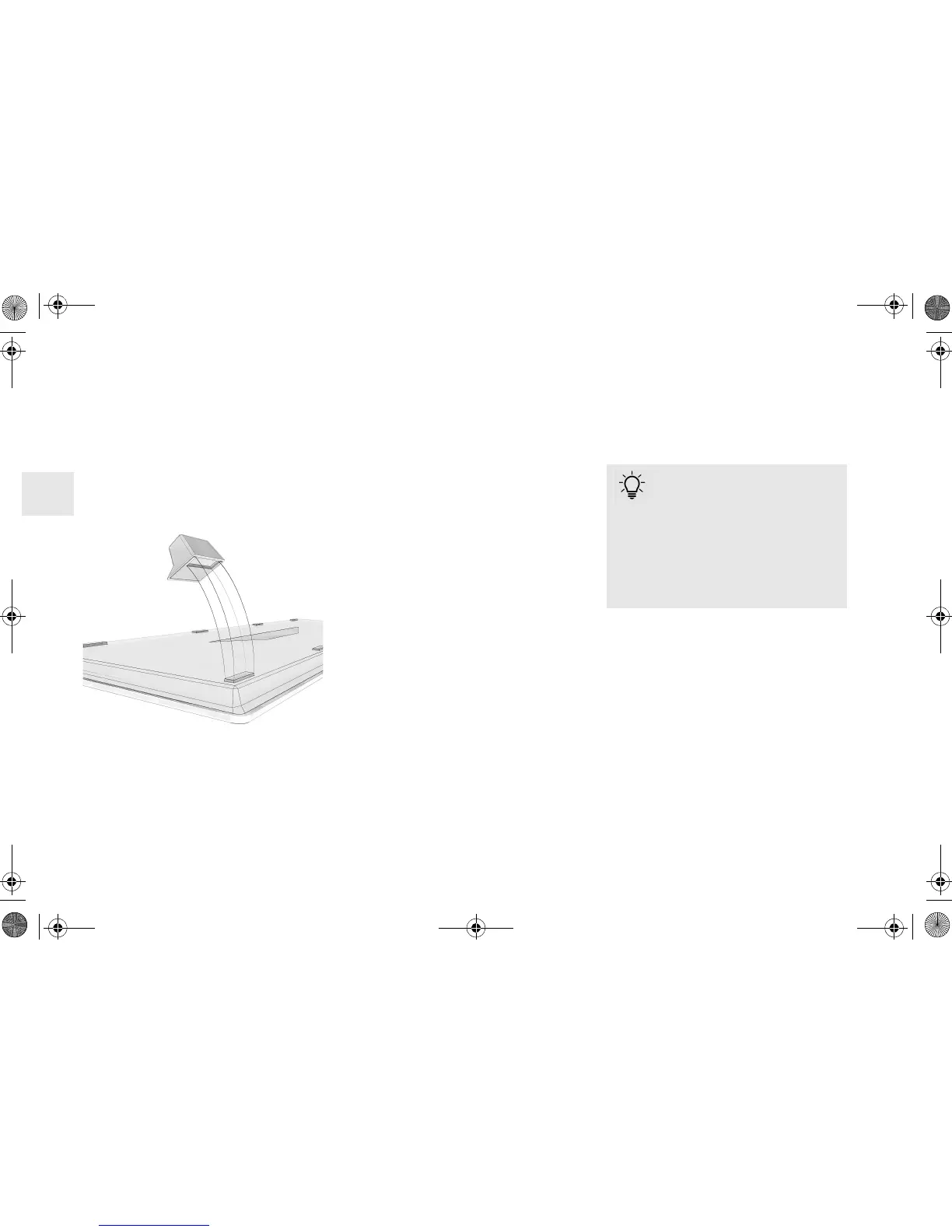
You can raise the angle of the keyboard by
sticking the four enclosed rubber feet over the
anti-slip pads on the bottom of the keyboard.
1 Turn off the PC/laptop or or deactivate the
connection.
2 Clean the area around the rear anti-slip
pads.
3 Peel off the protective foil from the rubber
feet and stick them over the anti-slip pads
so that they go completely into the recess on
the rubber feet.
5Adjusting the
sensitivity of the mouse
(DPI number)
For precise work you can change the
resolution of the mouse sensor between 600,
1000 and 1600 dpi. This changes the speed of
the mouse pointer.
• Press the DPI button on the top of the
mouse.
The LED flashes according to the setting:
1x = 600 dpi
2x = 1000 dpi
3x = 1600 dpi
The setting is saved in the mouse and is
retained even when the mouse is switched off.
6 Charging the devices
• Connect the charging cable to the keyboard/
mouse and a USB port on the PC/laptop.
The LED lights up red while the mouse is
charging.
The LED on the back of the keyboard lights up
red while the keyboard is charging.
When the devices are fully charged, the LEDs
go out.
The battery of the device is charged as long as
the PC/laptop is switched on. You can continue
working while charging.
Charge status display
When the battery charge gets low,
the LED on the mouse slowly
flashes red. On the keyboard, the LEDs in the
Caps Lock, Scroll and Num Lock buttons
flash.
• If the LEDs flash slowly, you should charge
the device soon. The faster the LEDs flash,
the lower the charge level of the battery.
OPERATING MANUAL
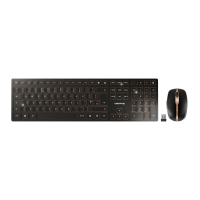
CHERRY DW 9000 SLIM – Wireless Desktop with Bluetooth
®
and RF Transmission
EN
64410032-00_DE-EN-FR-ES-IT-NL_DW9000Slim.fm Seite 14 Montag, 3. September 2018 8:03 08


 To Next Page