Unit of Measurement
• Metric is the default measurement unit.
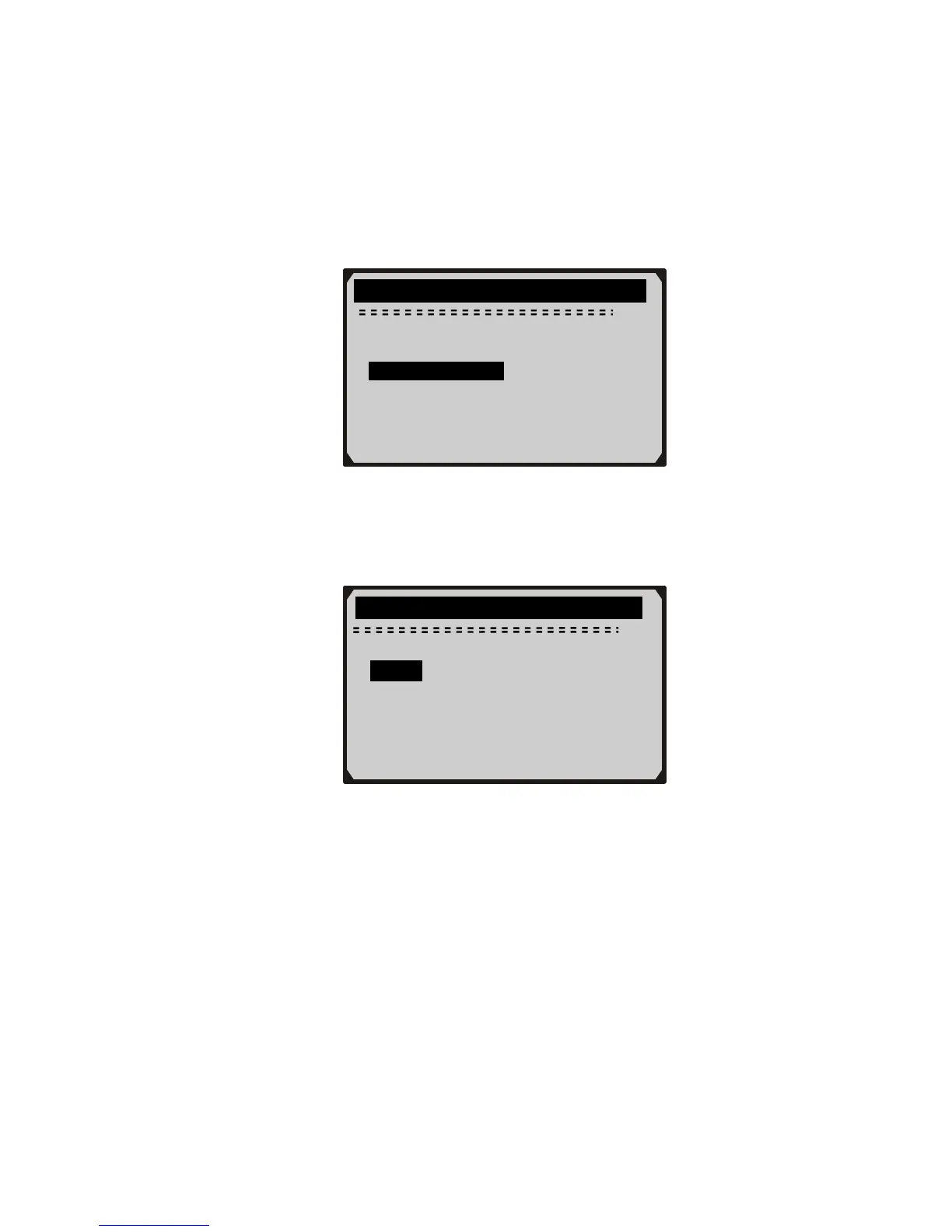
1) From System Setup menu, use UP/DOWN scroll button to select
Unit of Measure and press ENTER button.
System Setup
Auto Power-Off
Beep Set
Tool Self-test
2) From Unit of Measure menu, use UP/DOWN scroll button to
select the desired unit of measurement.
…………….Unit of Measure…… … ….
2/2
English
► Metric
?
3) Press ENTER button to save your selection and return to previous
menu.
Auto Power-Off
• The minimum automatic power-off time is 1 minute, and the
maximum is 20 minutes.
• The Auto Power-Off function can be available only when the
scanner is powered by cell battery.
1) From System Setup menu, use UP/DOWN scroll button to select
Auto Power-Off and press ENTER button.
16



 To Next Page