EasyManua.ls Logo

CHICAGO 98614 - Viewing Vehicle Information

Default Icon
73 pages
Print Icon
To Next Page IconTo Next Page
To Previous Page IconTo Previous Page
Loading...
5.9 Viewing Vehicle Information
The Vehicle Info. function enables retrieval of Vehicle
Identification No. (VIN), Calibration ID(s), Calibration
Verification Nos. (CVNs) and In-use Performance Tracking on
2000 and newer vehicles that support Mode 9.
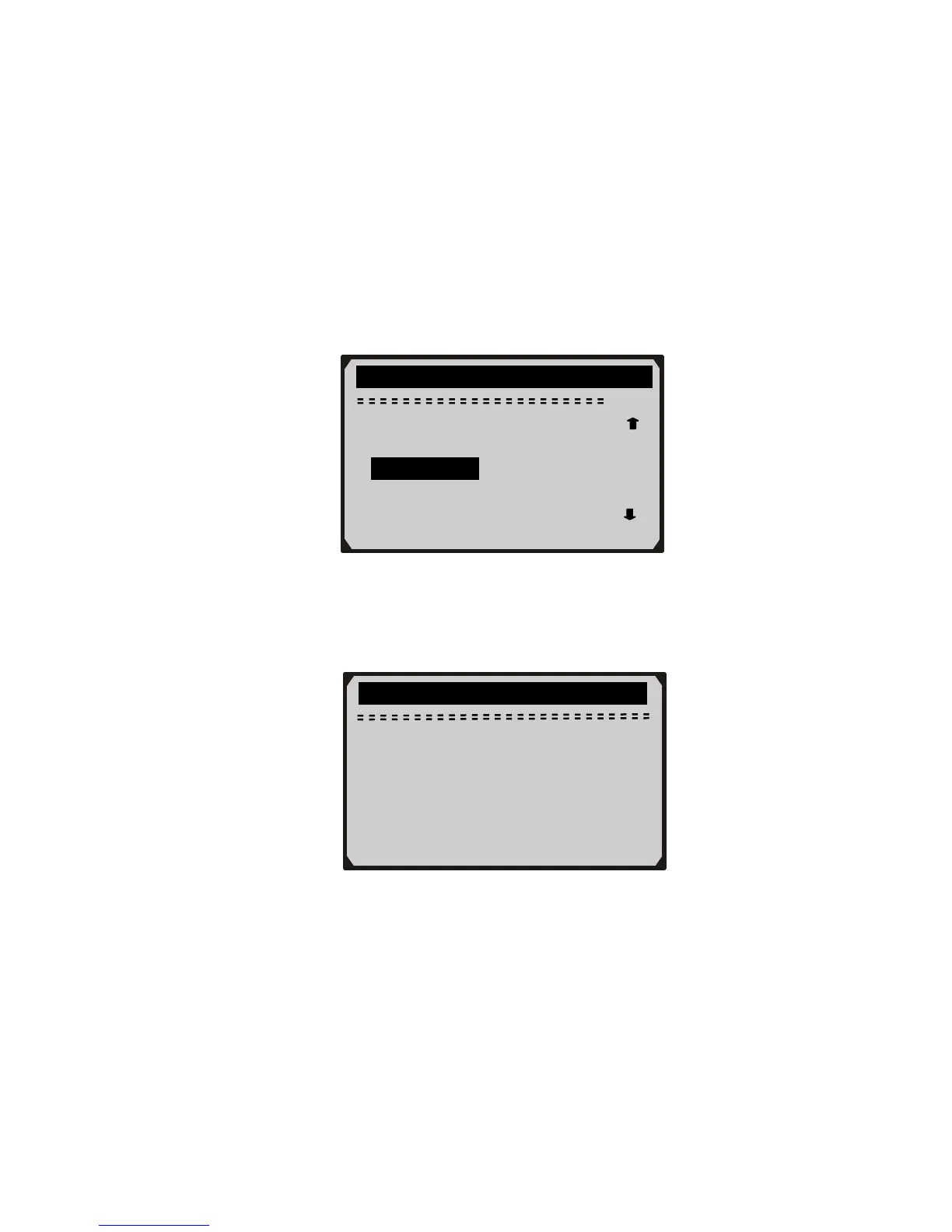
1) Use UP/DOWN scroll button to select Vehicle Info. from the
Diagnostic Menu and press ENTER button.
58
Diagnostic Menu

9/11
On-Board Mon. Test
Component Test
Vehicle Info.
Modules Present
Unit of Measure
2) An advisory message comes up to remind you. Wait a few seconds
or press any key to continue.
Vehicle Info.
Turn key on,
with engine off !
Press any key to con.
3) Wait a few seconds while the scan tool reads vehicle information.