1/2
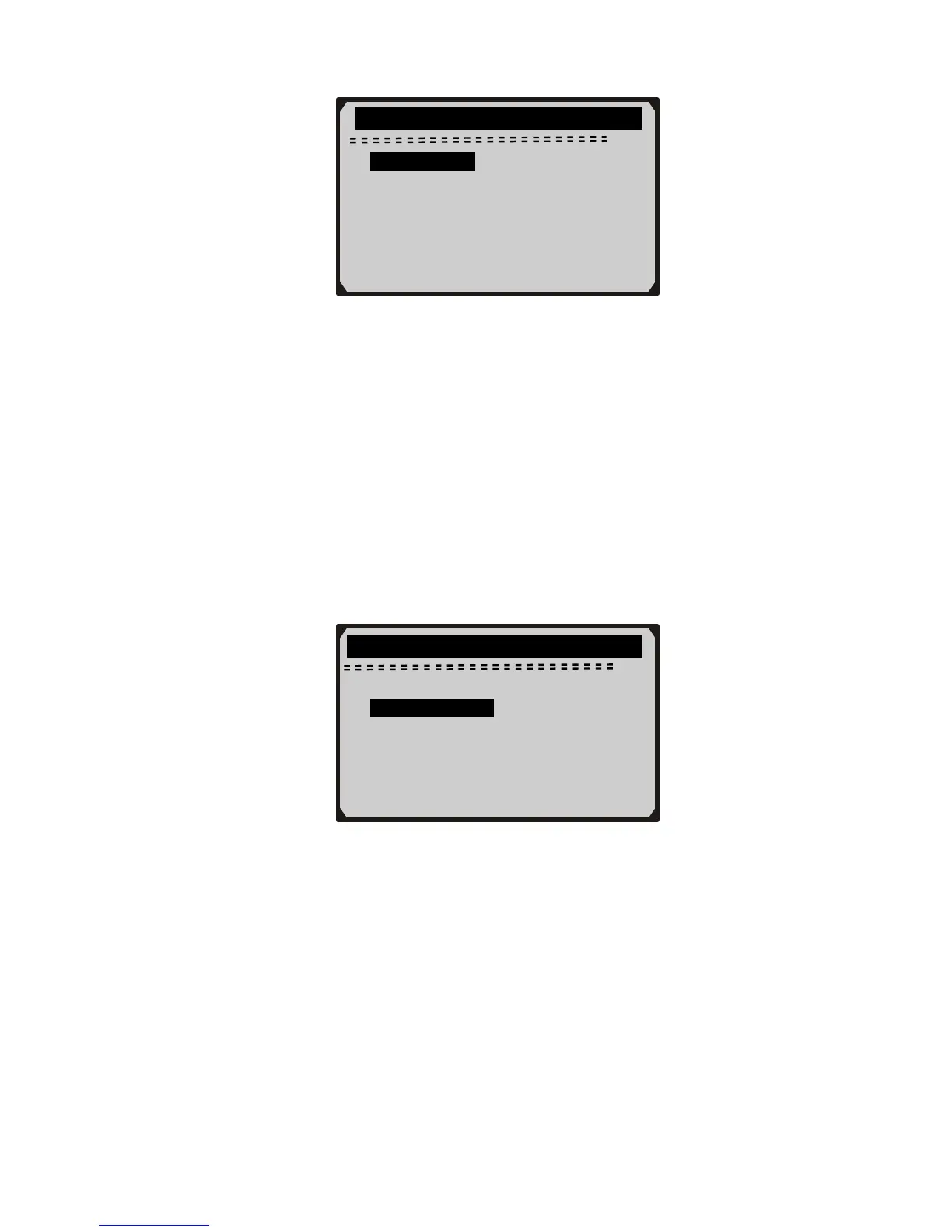
► Display Test
Keyboard Test
?
3) Press ENTER button again to start test. Look for missing spots in
the solid black characters.
4) When completed, press ESC button to return.
B. Keyboard Test
The Keyboard Test function verifies if the keys are functioning
properly.
1) Use UP/DOWN scroll button to select Keyboard Test from the
Tool Self-test menu, and then press ENTER button.
Tool Self-test
2/2
Display Test
► Keyboard Test
?
2) Press any key to start test. When you press a key, the key name
should be observed on the display. If the key name does not show
up, then the key is not functioning properly.
19



 To Next Page