EasyManua.ls Logo

CHICAGO 98614 - Page 53

Default Icon
73 pages
Print Icon
To Next Page IconTo Next Page
To Previous Page IconTo Previous Page
Loading...
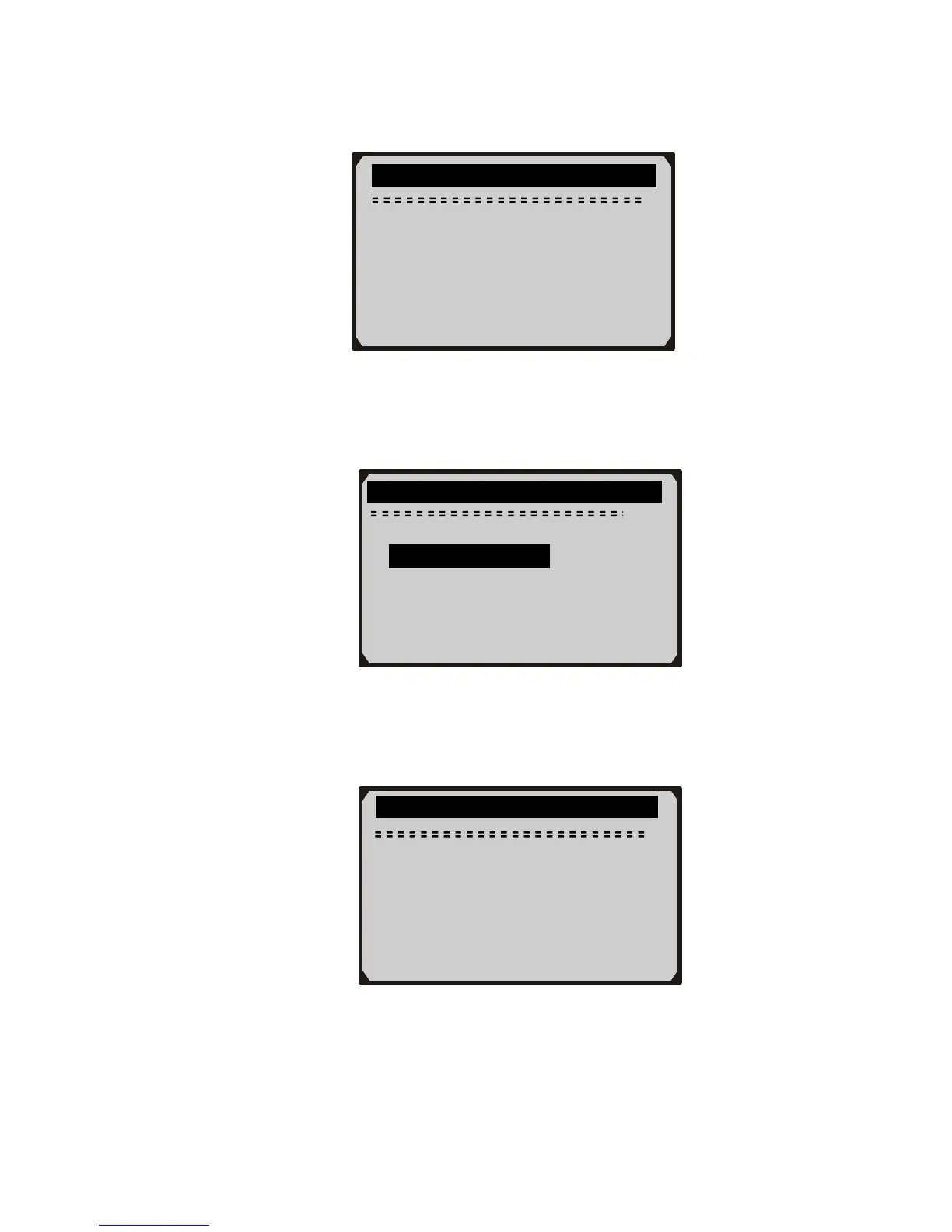
2) Wait a few seconds while the scan tool validates the PID MAP.
52
3) Use UP/DOWN scroll button to select O2 sensor from O2
Monitor Test menu and press ENTER button.
z If the vehicle does not support the mode, an advisory message
will be displayed on the screen.
4) View test results of selected O2 sensor.
............O2 Monitor Test……… … …

2/2
……………O2 Monitor Test…………….
Reading PID…
- Please Wait -
O2 Bank1 Sensor1
O2 Bank1 Sensor2
?
…………….O2 Monitor Test…………..
The selected mode is
not supported
Press any key to con.