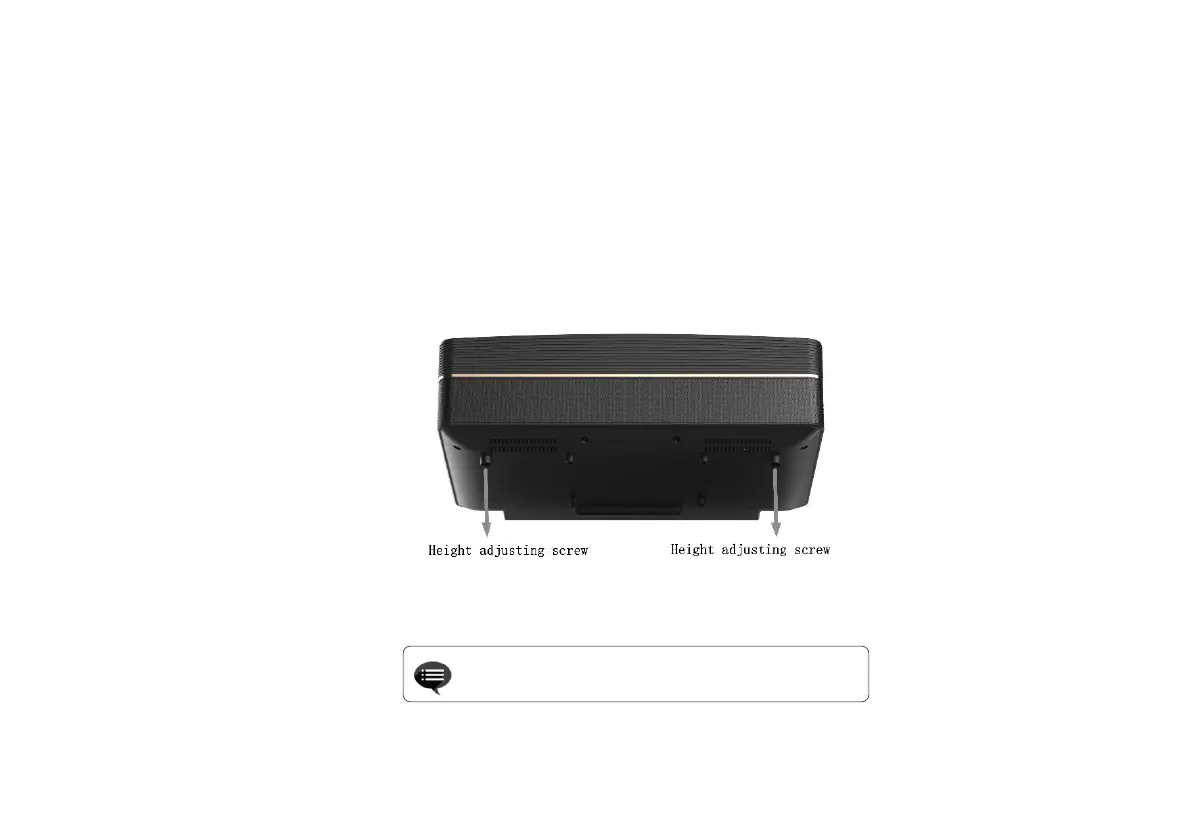
This section takes the installation method of desktop front projection as an example to explain the picture adjustment for users'
reference.
a.Connect the power supply and start the main unit;
b.According to the picture display, adjust the size and position of the picture by moving the main unit forward, backward, left and right or
rotating the height adjustment kickstand.


 To Next Page