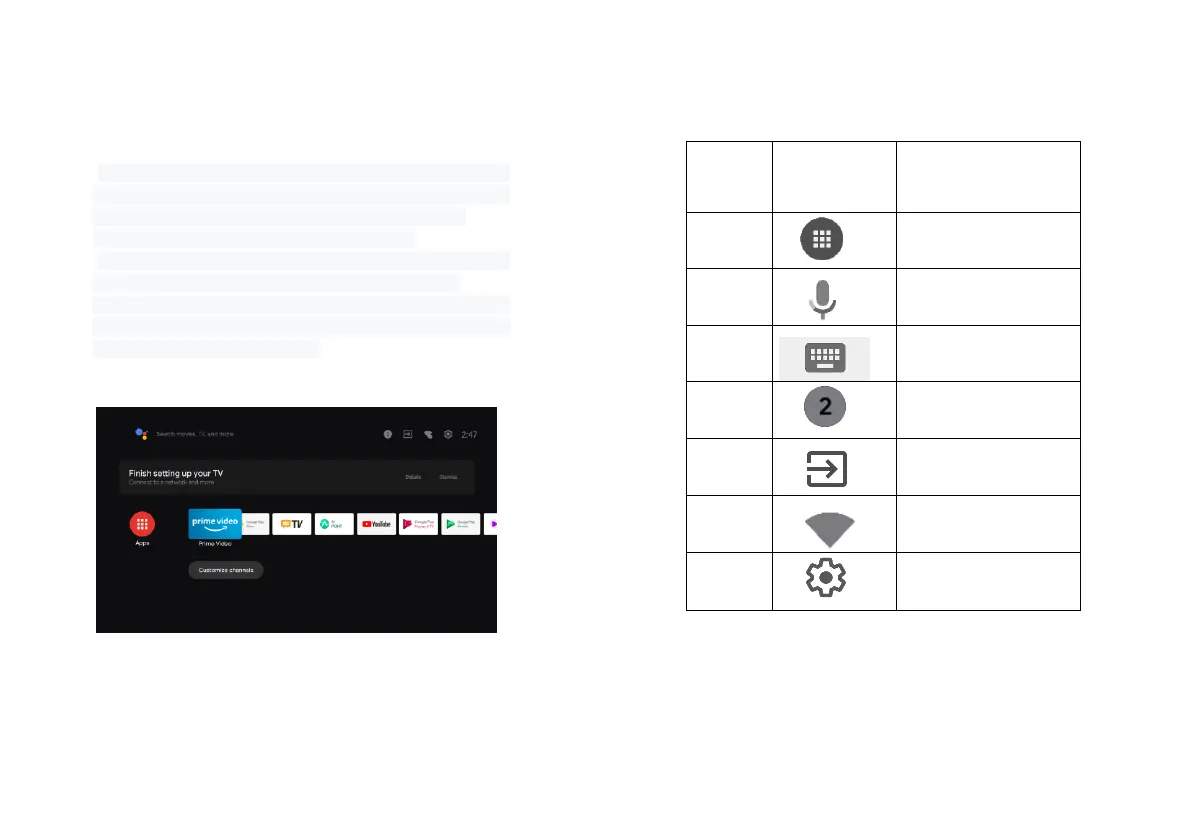
a. Press the "Home" key to enter the "Main Scene" interface;
b. The home page displays a list of commonly used apps.
Select the corresponding App icon and hold down the OK
key to call out sub-menus such as "Open" and "Sort";
c. Select Apps to open the list of common Apps;
d. Use the shortcut icon in the upper left corner of the home
page to access the Voice Menu and Search menus;
e. Use the shortcut icon in the upper right corner of the
homepage to access the menus of Notifications, Inputs,
Network&Internet, and Settings.


 To Next Page