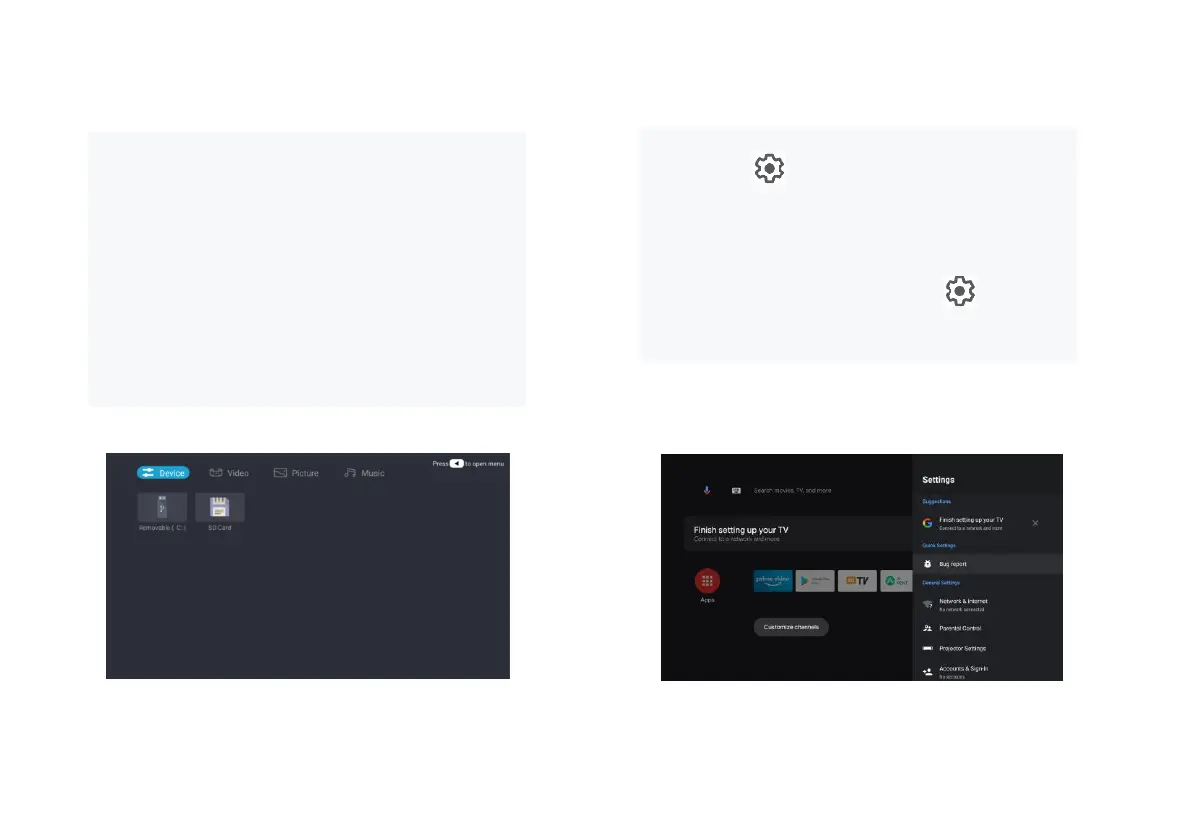
a. Select the Media Player application icon from the App list
on the home page.
b. The media center supports audio and video file playback
control, picture presentation and application installation
Can;
c. The media center divides multimedia content into four typ
es: video, picture, music and all types. Browse related conte
nt by selecting corresponding categories;
d. The media center supports file browsing and access from
external storage devices. Only FAT32 hard disks or USB di
sks are supported, and a maximum of 2 TB storage devices
are supported.
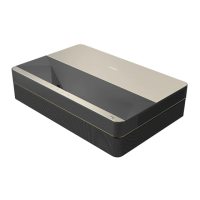
Setting menu opening mode:
a. Click the icon in the upper right corner of the home
page.
b. Press the remote control Settings button to enter. At this
point, the items displayed in the Settings menu may be different
in different application scenarios.
c. In Live TV, press the remote control button and click
"Settings" to enter the Settings menu.
d. On the home page, the Settings icon is displayed. Tap to
access the Settings menu.


 To Next Page