Digital Color Doppler Palm Ultrasound System
43
8.2 EasyView
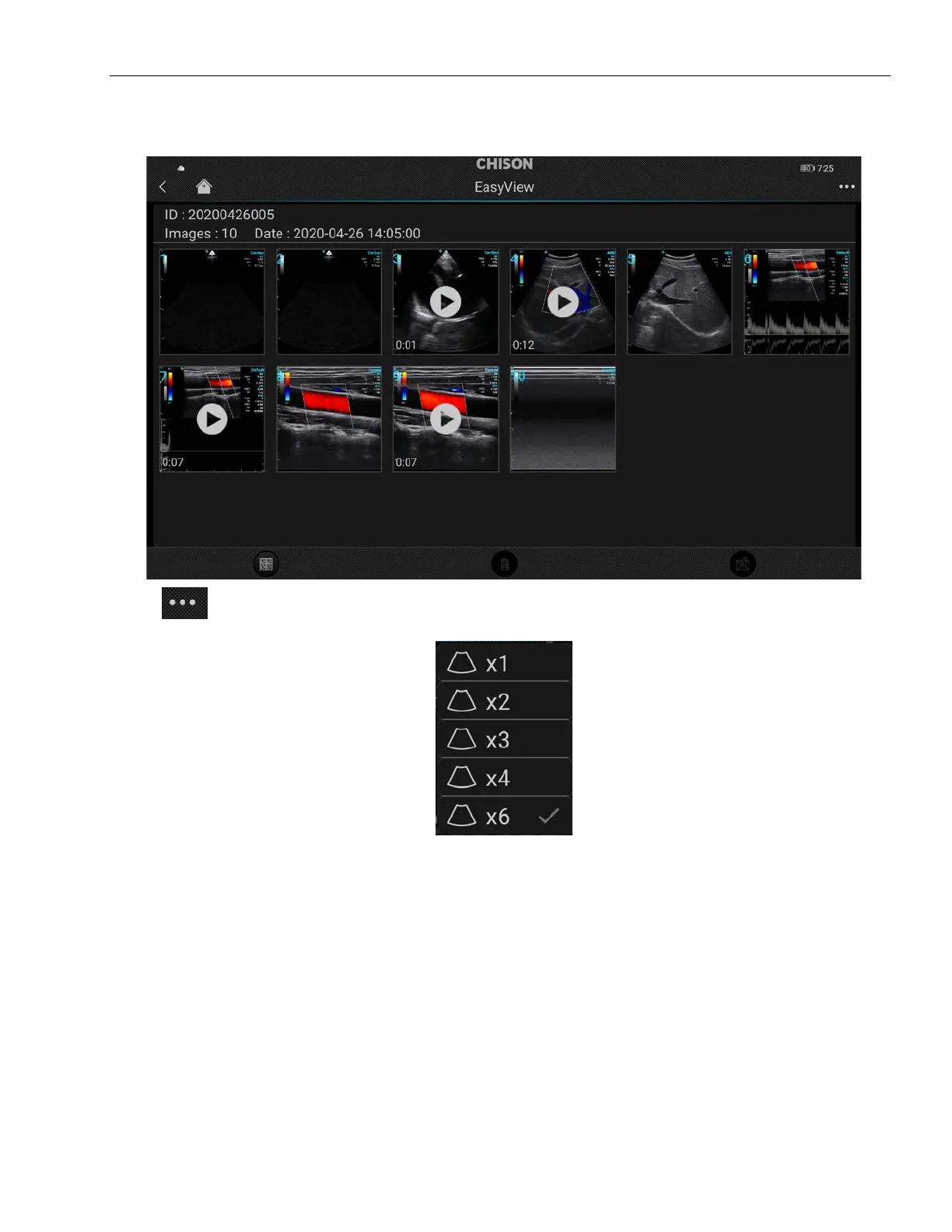
Press EasyView to check the patient information, saved images and cines.
Press
on the top right corner of the displayer, the user can set the image preview mode.
Press an image and hold it to select the current image, the frame of image will turn to blue.



 To Next Page