136
Maintenance manual
2016/02
AlveoPC
1. Remove the casing (see op. Operation B1-1).
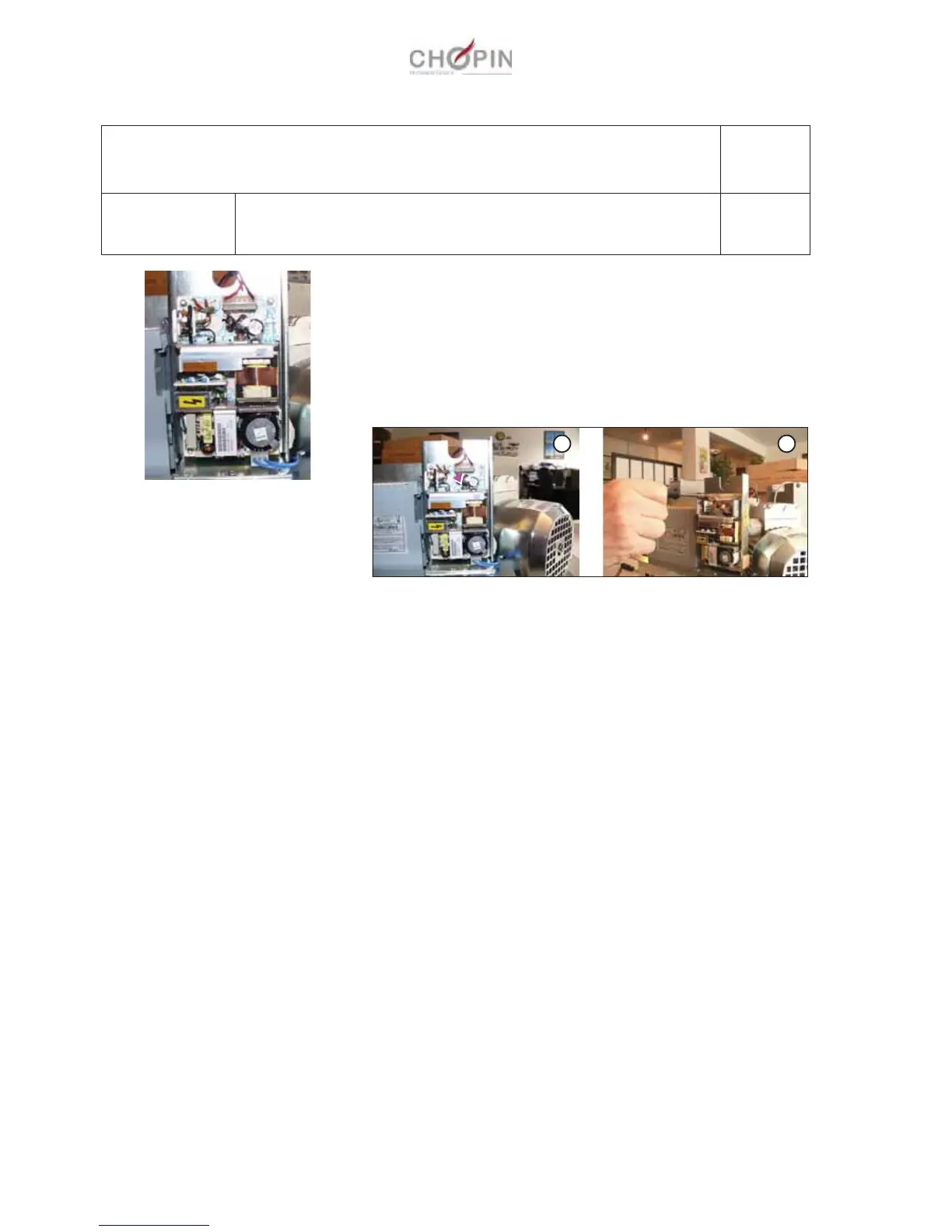
2. Disconnect the electrical connection between the power-sup-
ply board and the Mixer CPU board, then the one between the
power supply and the filter switch (A).
3. Remove the 4 locking nuts from the power-supply board and
remove the board (B).
The new power-supply board should attach on the mixer easily.
B8: Power-supply board
Operation B8-1 Removing/replacing the power-supply board
Page: 1/1
Consumables:
Tools:
-
-
A B


 To Next Page