68
User’s manual
12/2016
GB
SDmatic
4. SETTING THE
APPARATUS
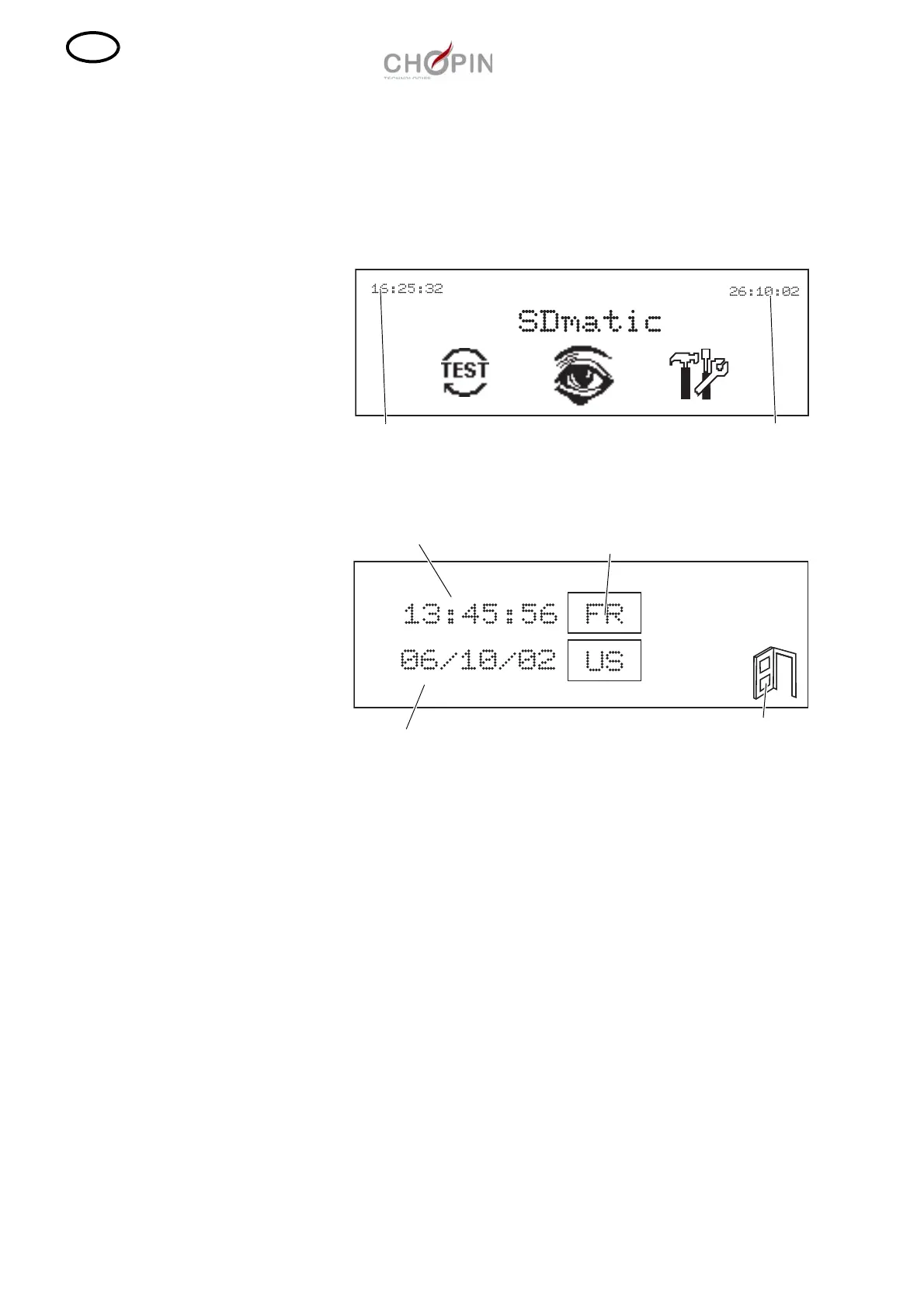
■ The date and time of the SDmatic can be set in the main menu.
■ Choosing the formats and setting date and time
❏ To set the date and time of the SDmatic, press on the date or time
in the main menu.
❏ The following screen is displayed:
❏ Choose a format " FR " or " US ".
❏ Press on the time. A numeric keypad is displayed. Key in the time
and validate it with the validation key of the keypad.
❏ To set the date, press on the date and perform the same
operation.
To change the format
Exit
Time
Date
Date



 To Next Page