80
User’s manual
12/2016
GB
SDmatic
■ Initialisation of the screen
If the touch screen does not work properly, it must be re-calibrated.
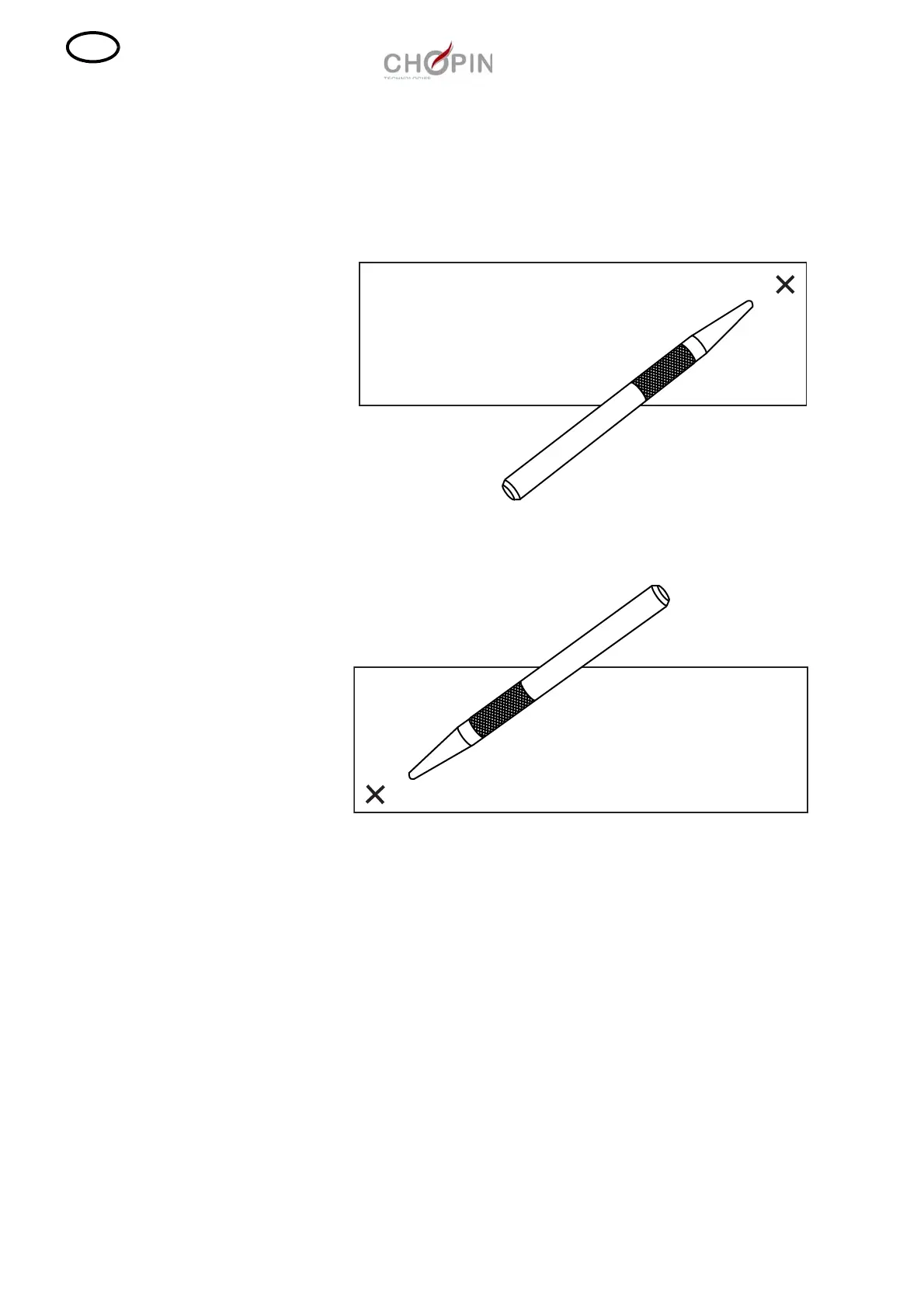
Switch the SDmatic on while keeping the pen slightly pressed on
the screen centre: a cross is displayed on the top right-hand corner.
Press on the cross with the pen.
Then press on the cross at the bottom left-hand corner of the
screen.



 To Next Page