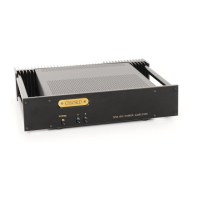
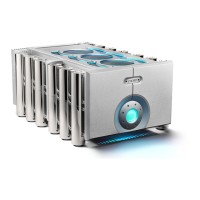
connecting your SPM 600
You need to connect the outputs from your pre-amplifier to your power
amplifier and then connect your power amplifier to your loudspeakers. There are two
pairs of inputs. You can connect to either the XLR or RCA outputs, but not to both
types at the same time. All connections should be made with the power turned off.
connecting to your power amplifier using XLR style inputs:
Use XLR style connectors to connect:
• the Right output from your pre-amplifier to the Right balanced input
• the Left output from your pre-amplifier to the Left balanced input.
connecting to your power amplifier using unbalanced RCA style inputs
Use RCA style connectors to connect:
• the Right output of your pre-amplifier to the Right input phono socket
• the Left output of your pre-amplifier to the Left input phono socket.
connecting your loudspeakers
1. Connect one set of loudspeakers to Right A and Left A, matching +ve to +ve
and -ve to -ve on the amplifier and loudspeakers.
2. You can connect a second pair of loudspeakers to Right B and Left B. See
Figure A on page x.
3. You can use both A and B to bi-wire your loudspeakers if they allow. See Figure
B on page 21.
Note: The WBT rhodium plated 4mm speaker binding posts will accept 4mm
banana plugs (WBT-0645 or WBT-0644) or 6mm spades (WBT-0680). Making
connections using bare wire is not recommended.
5



 To Next Page